Optional accounts and publisher connections
Build locally first. Add source access or a destination when you need it.
Know which setting owns the connection
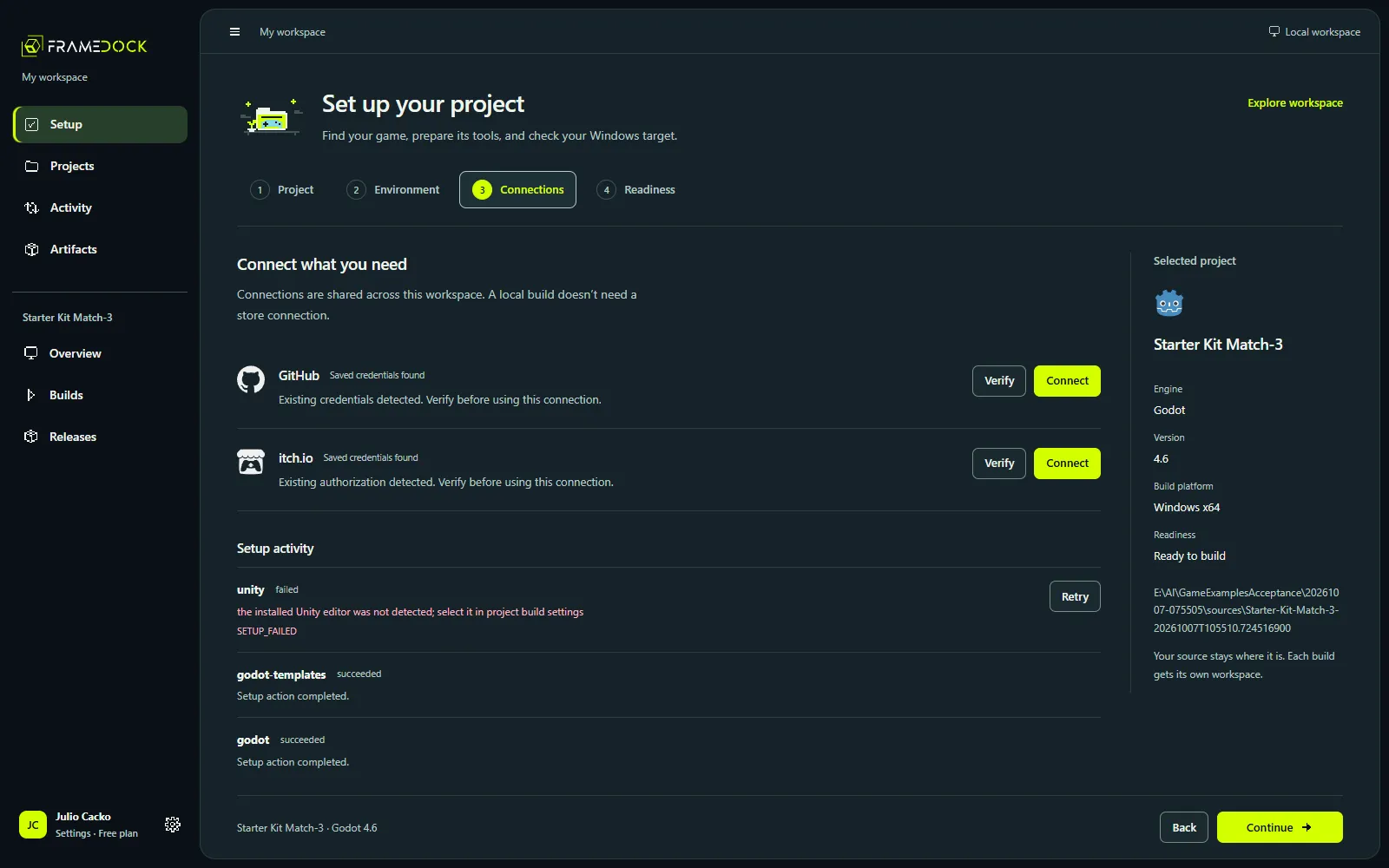
Workspace Settings → Connected accounts owns GitHub, itch.io and Unity. Setup reuses that editor. Project Settings → Publishing owns Steam app/depot/private-branch and itch.io destination information. Delivery notifications owns the optional Discord webhook.
GitHub source access
Use official CLI/browser or device authorization and confirm the account can read the repository. Choose the correct project subfolder. Authorization stays in Windows Credential Manager or Linux Secret Service, not project files. A failed credential store needs recovery; credentials are never saved in plaintext.
Unity authentication and license
Unity uses its own authentication/session broker. Account status and a valid editor license are separate checks. Consent, license activation and Personal eligibility remain explicit vendor actions.
Steam and itch.io publishing
A general user sign-in does not grant publisher access. Steam needs the Steamworks app/depot mapping and a private branch. itch.io needs an authorized butler session and the intended project/channel.
- Confirm the account and publisher permissions.
- Review the selected artifact and destination before uploading.
- Check the actual branch or channel separately after transfer.
Keep the first build local
Skip publishing connections when your immediate goal is a playable local build on Windows or Linux. Partner and console profiles list their requirements in Availability.