Install and update frameDock
Choose the right package, check its checksum, and keep your workspace when updating.
 Documentation
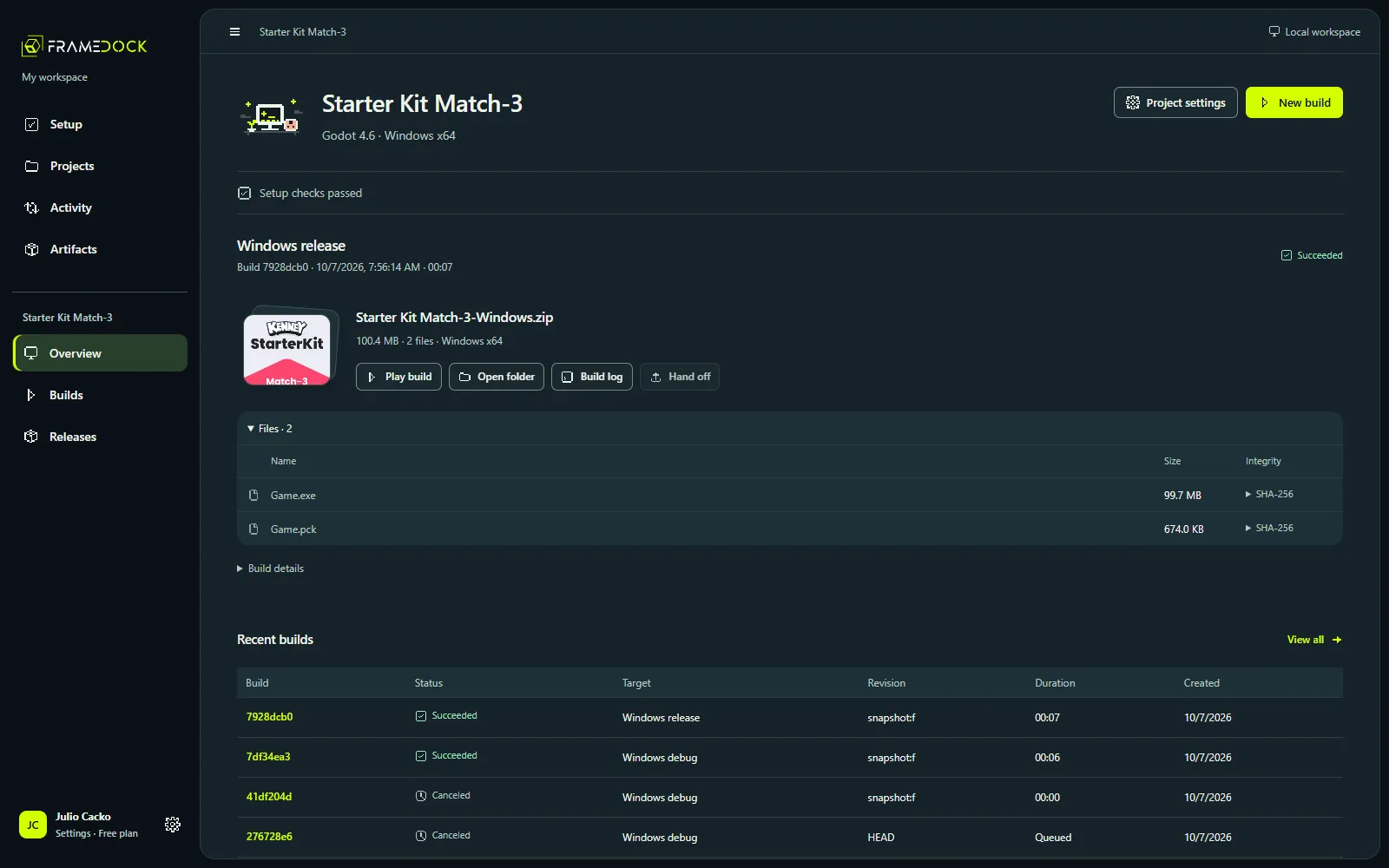
frameDock is a desktop workspace for building Godot, Unity and Unreal projects. It brings project setup, matching tools, build logs and inspectable artifacts together, then helps you prepare a release destination.
This manual follows the same path as the application. Begin with your first build, or choose the topic you need from the sidebar. See the product overview for a tour of the workspace.
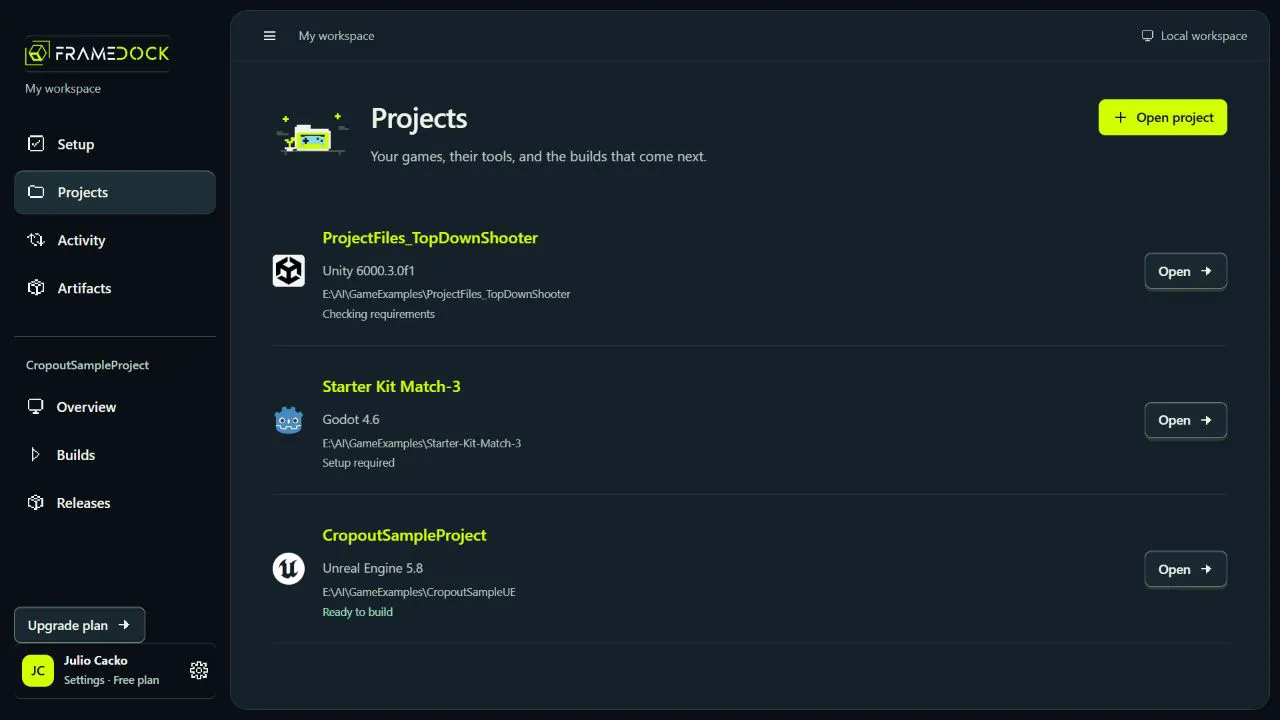
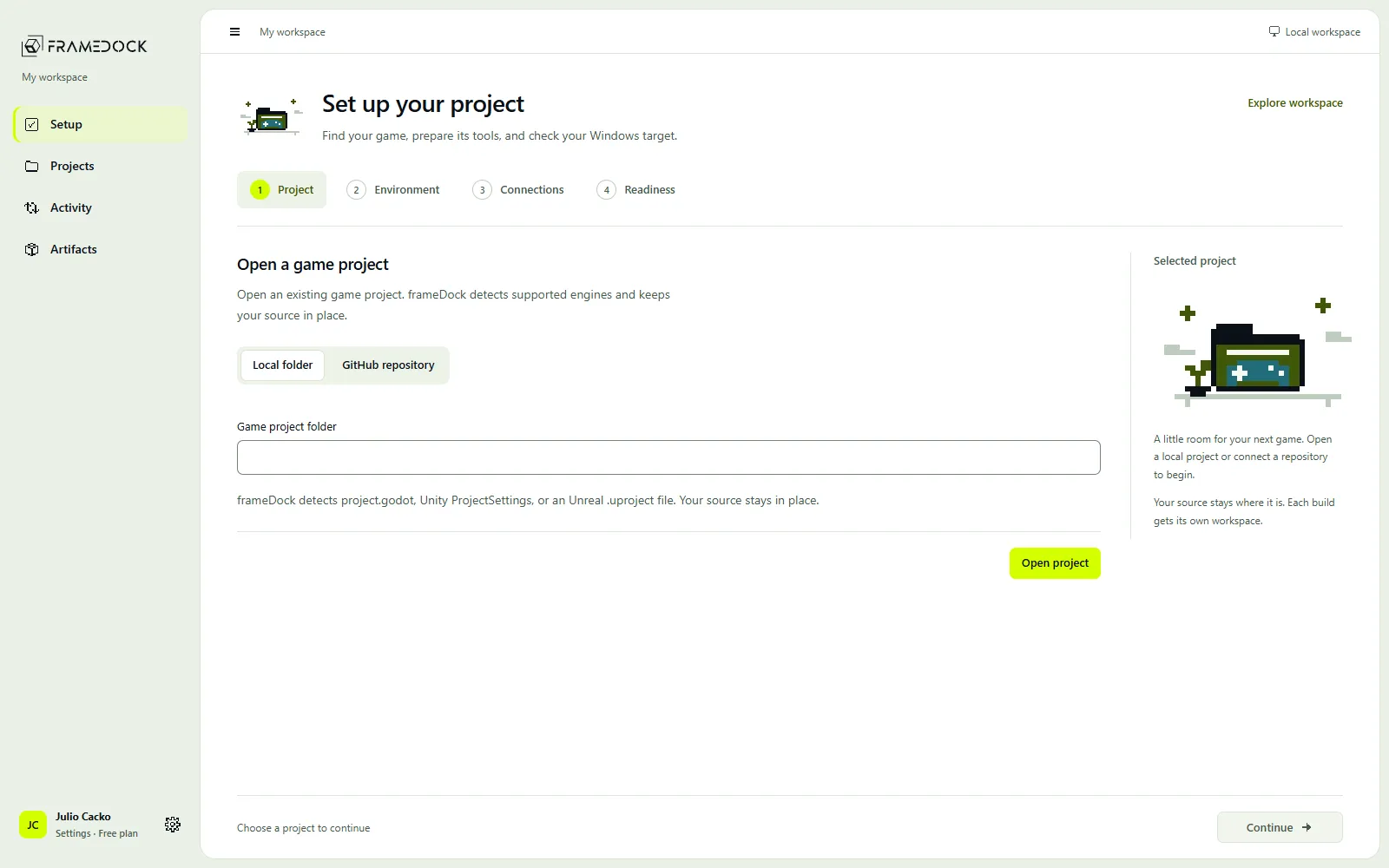
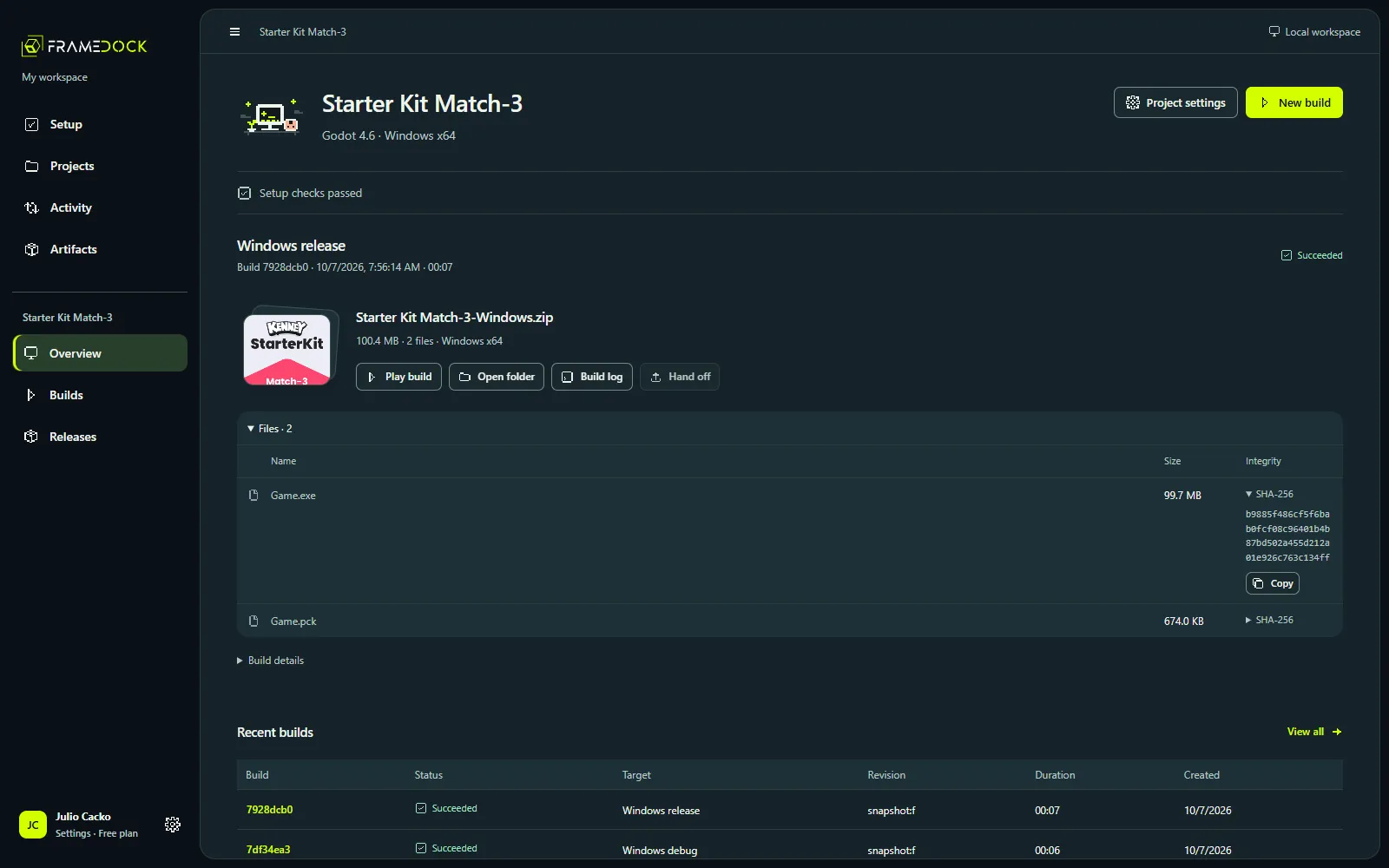
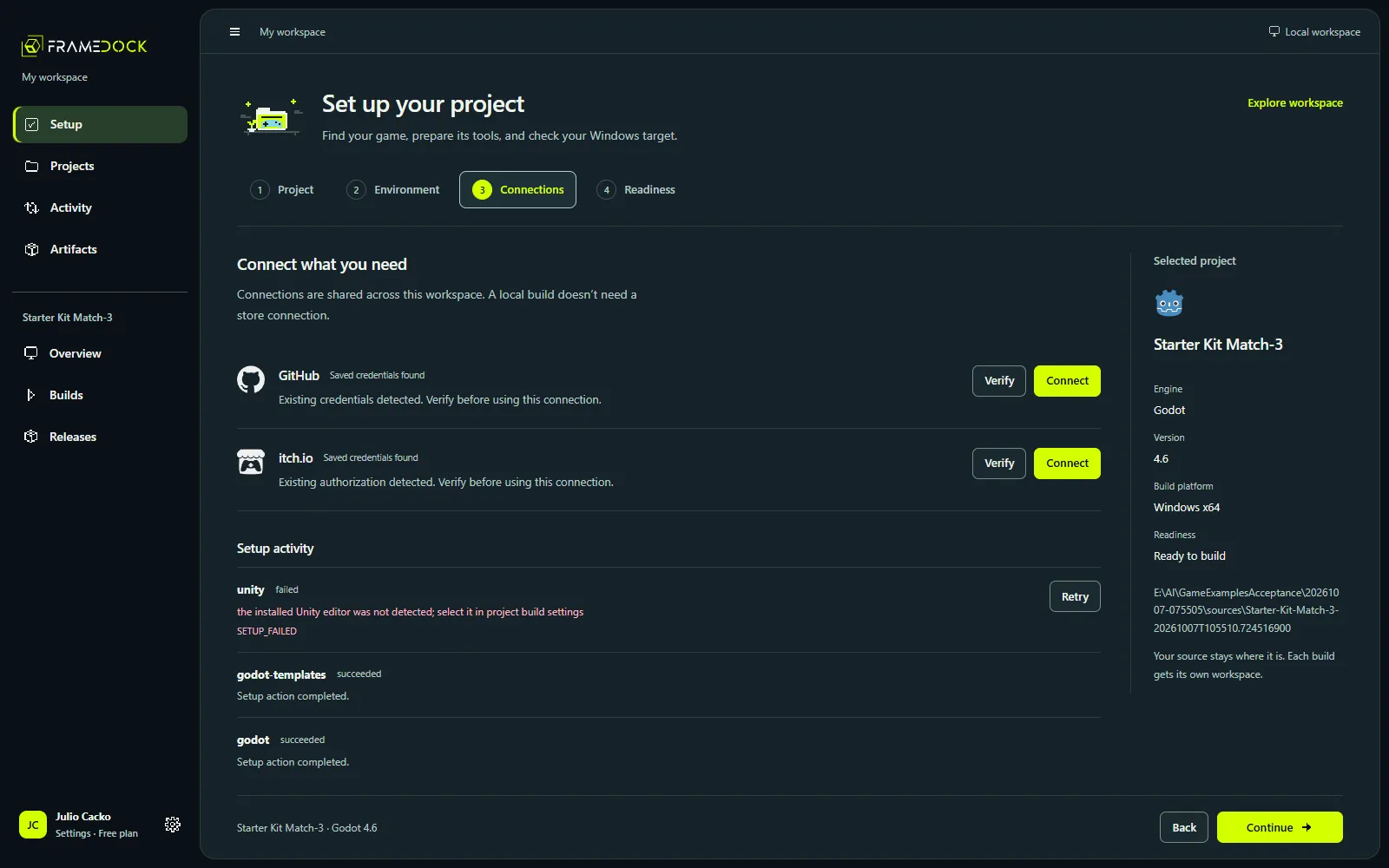
The visual setup guide takes you from choosing an engine to launching your own build. Installation and optional account features have their own requirements; check the current Windows and Linux downloads before you begin.
Match the editor and export templates, then inspect your own artifact.
Use the exact editor, native target modules and the licensed Unity CLI.
Package with the matching engine, AutomationTool and native compiler.
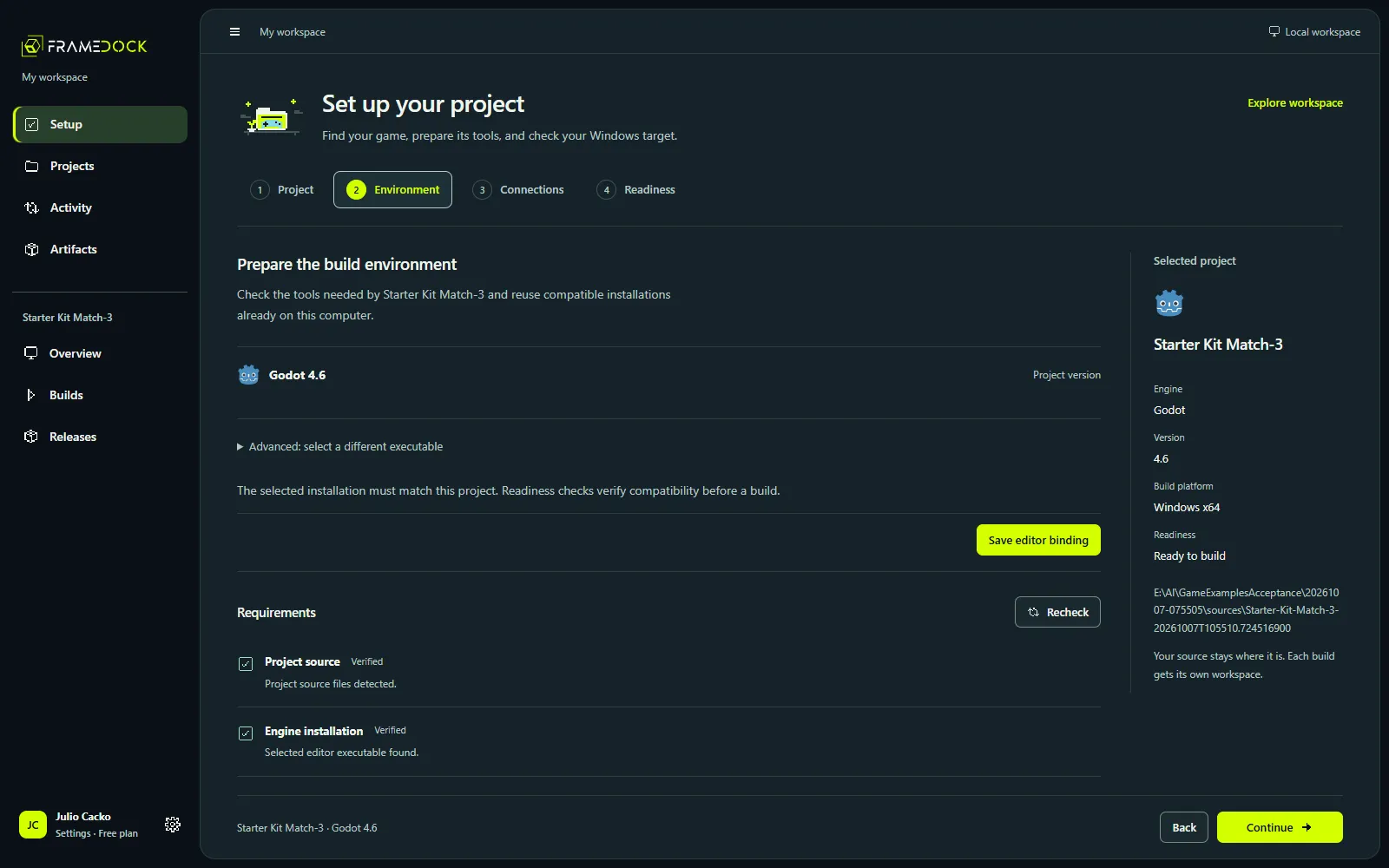
Use the project’s editor version and the native tools for its selected target.
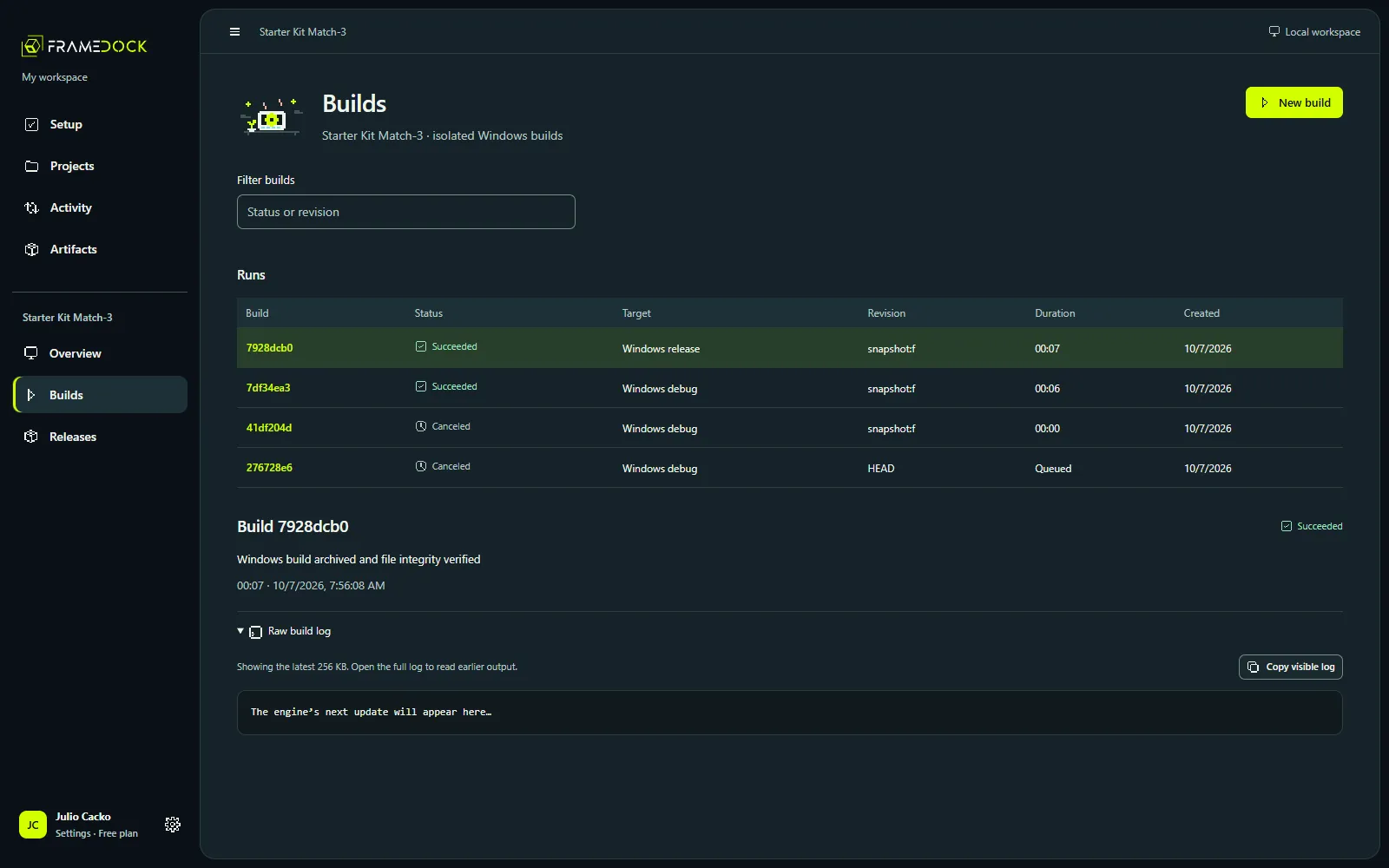
Follow the local queue, keep the raw log and retry after fixing the cause.
How it works walks through setup, builds and release preparation with real recordings. Release notes explain compatibility and current limits. If a check fails, open Troubleshooting and start with the first actionable error.