Unity build automation
Repeatable Unity builds without a CI pipeline. frameDock matches the editor, checks the modules and license, and runs the build for you.
9 MB download · Windows and Linux · Free for commercial games
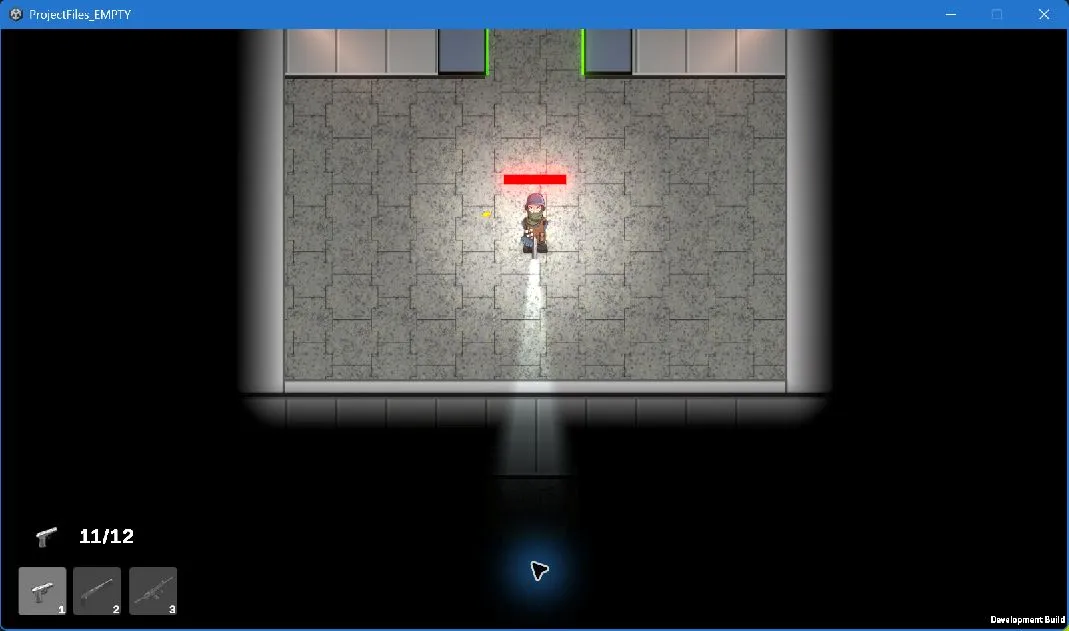
TopDownShooter, a Unity Windows build made with frameDock. The game belongs to its authors.
Unity build in three steps
Open the project
frameDock reads the Unity version from ProjectSettings and finds that exact editor.
Check modules and license
Build support for the target, the scripting backend and your Unity license are checked first.
Build
The official Unity command line runs in an isolated workspace. You get a ZIP, a manifest and the raw log.
What your project needs
- The exact Unity editor named by the project and a valid Unity license
- Build support for the native Windows or Linux target and the project’s backend
- IL2CPP needs its matching module and native toolchain; Unity cross-compilation is unavailable
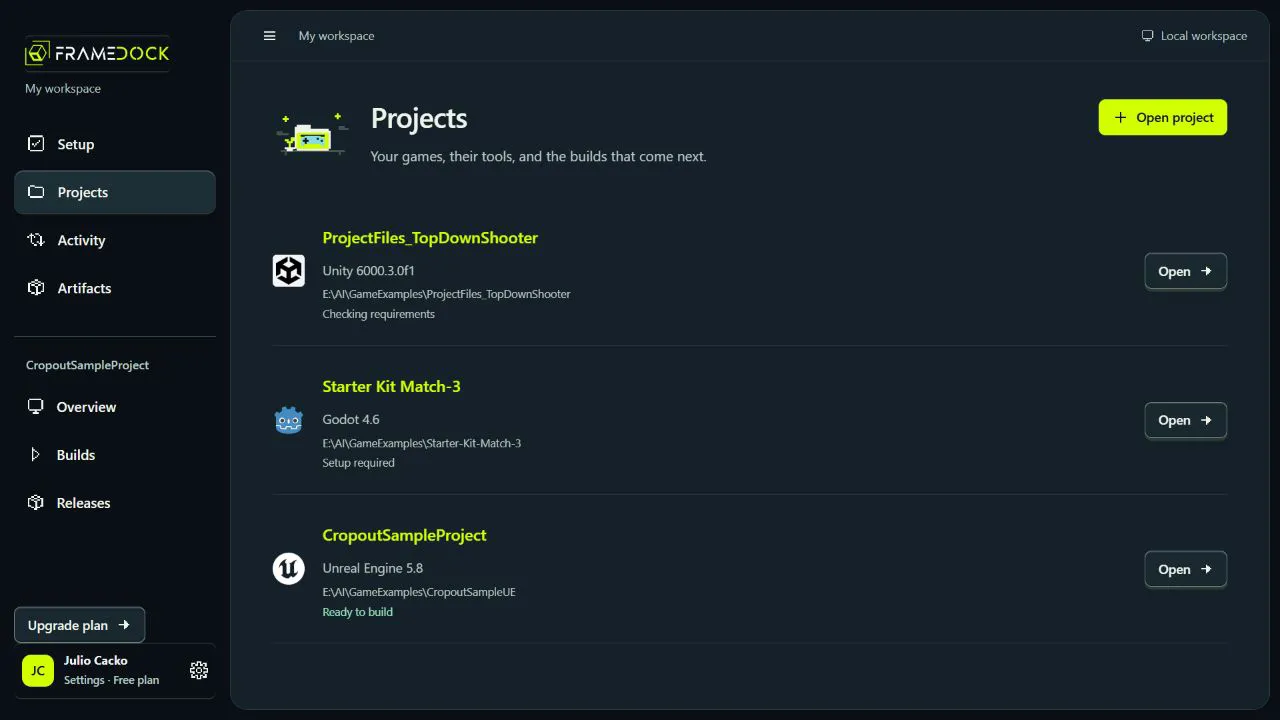
A 9 MB download. Your cores go to the engine.
21 MB app~270 MB memory in use~1% of one CPU core idle
Measured on build 2026.1.2, Windows 11, 12-core PC.
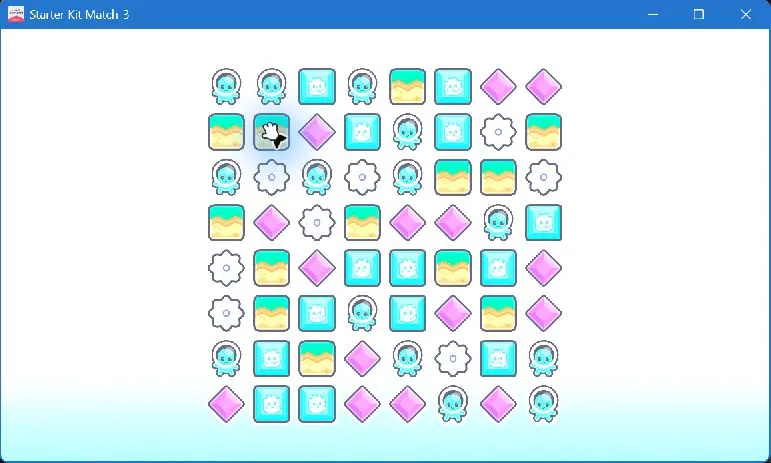
Starter Kit Match-3 (Godot), built with frameDock. The game belongs to its authors.
Unity questions
Do I need a Unity license?
Yes. Your project needs a valid Unity license; frameDock checks it before building.
Does it support IL2CPP?
Yes, with the matching IL2CPP module and native toolchain installed for the target.
Is it free for commercial games?
Yes. The Free plan has no revenue limit. Paid plans add sharing, build computers and team controls.
Does frameDock change my project?
No. Each build runs from an isolated copy, so your project folder stays exactly as it was.
Build your Unity game today
Also: Godot build tool · Unreal packaging