Accounts, devices and offline use
Your account manages access. Your game project stays local.
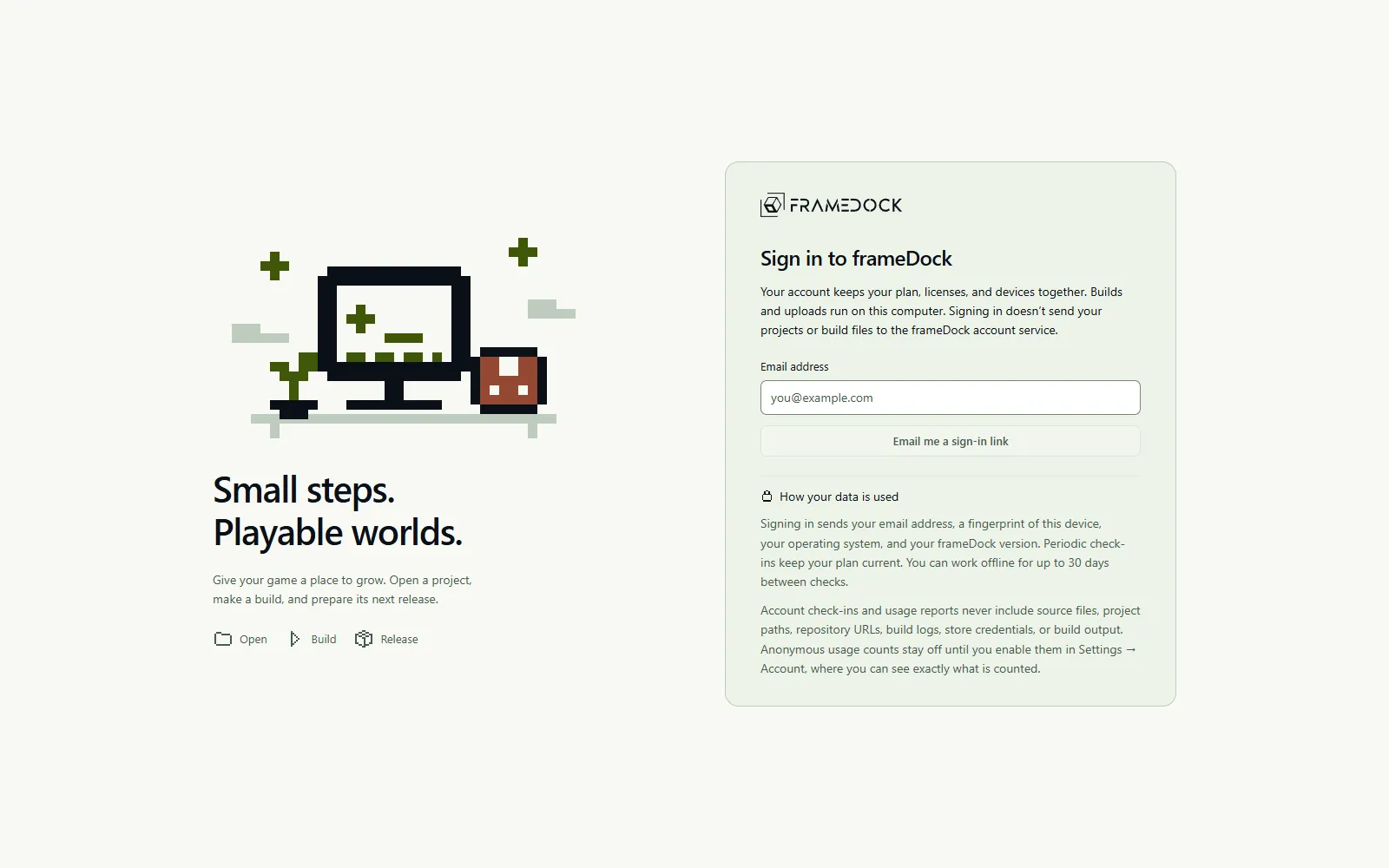
Email sign-in
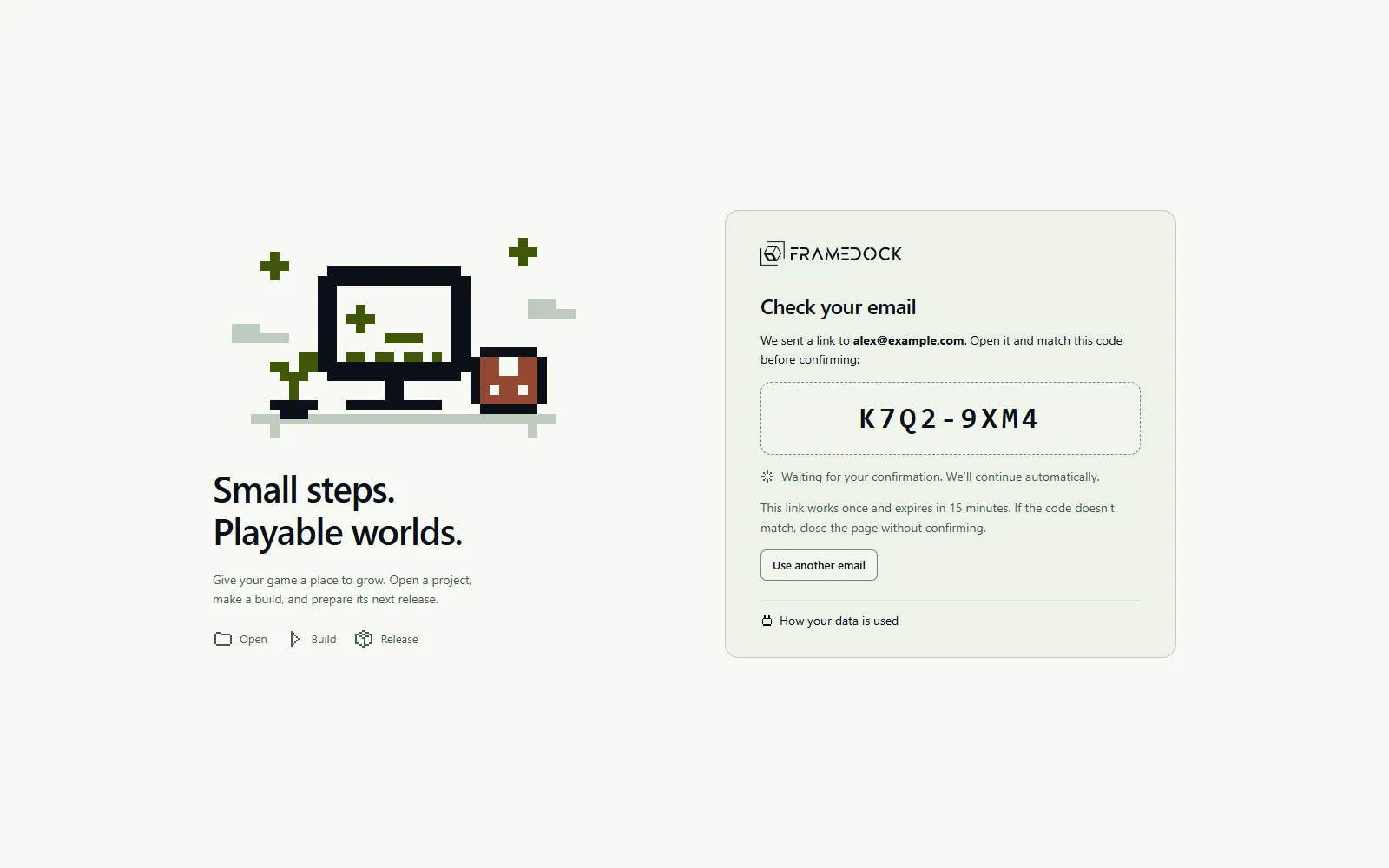
There is no password. A one-time email link verifies the address. For desktop sign-in, a matching code helps you approve the correct computer. Opening an email link alone does not approve a request.
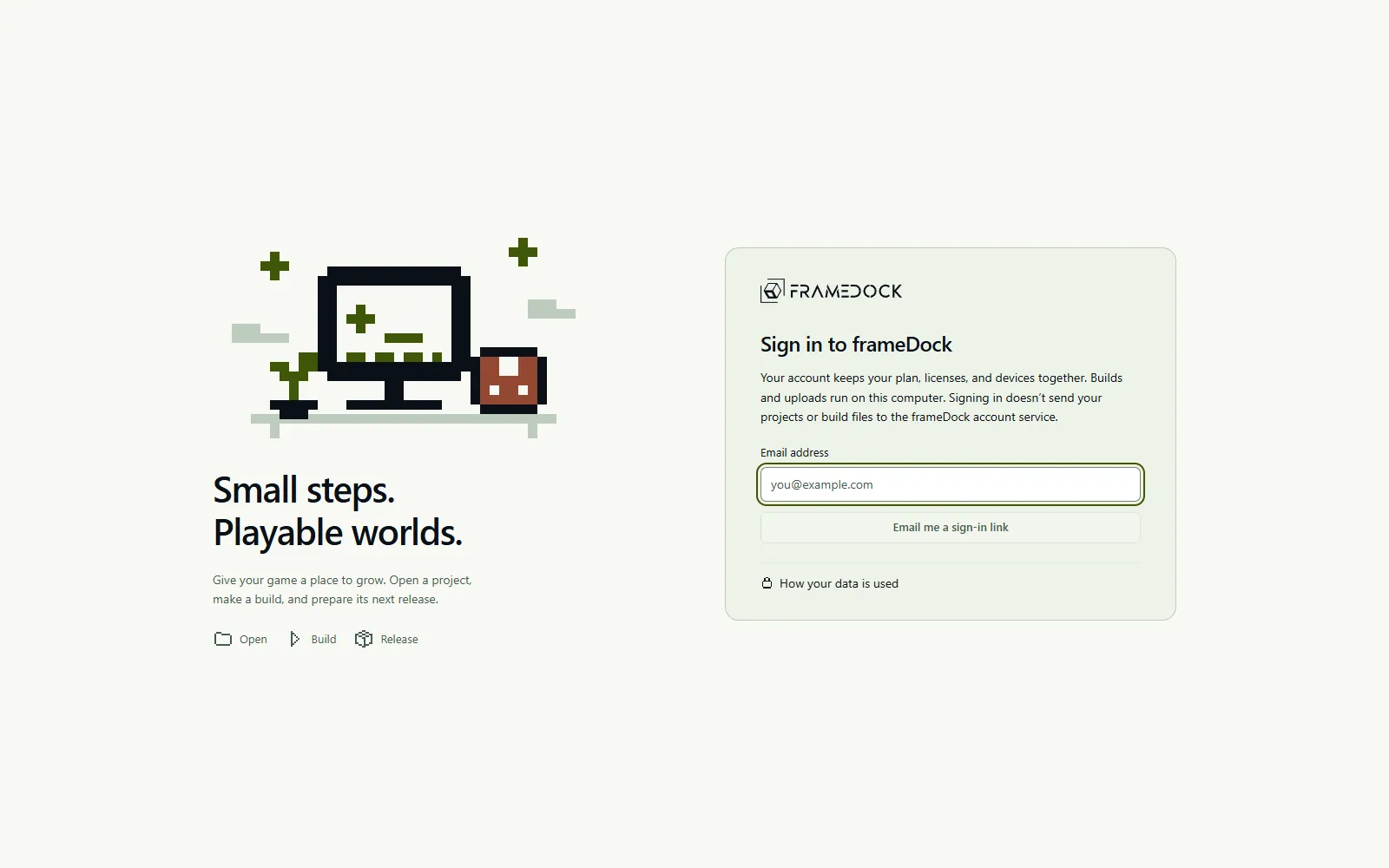
- Enter the email address for your frameDock account.
- Choose Email me a sign-in link and keep the application open.
- Open the email, compare its code with the application, and approve only the matching request.
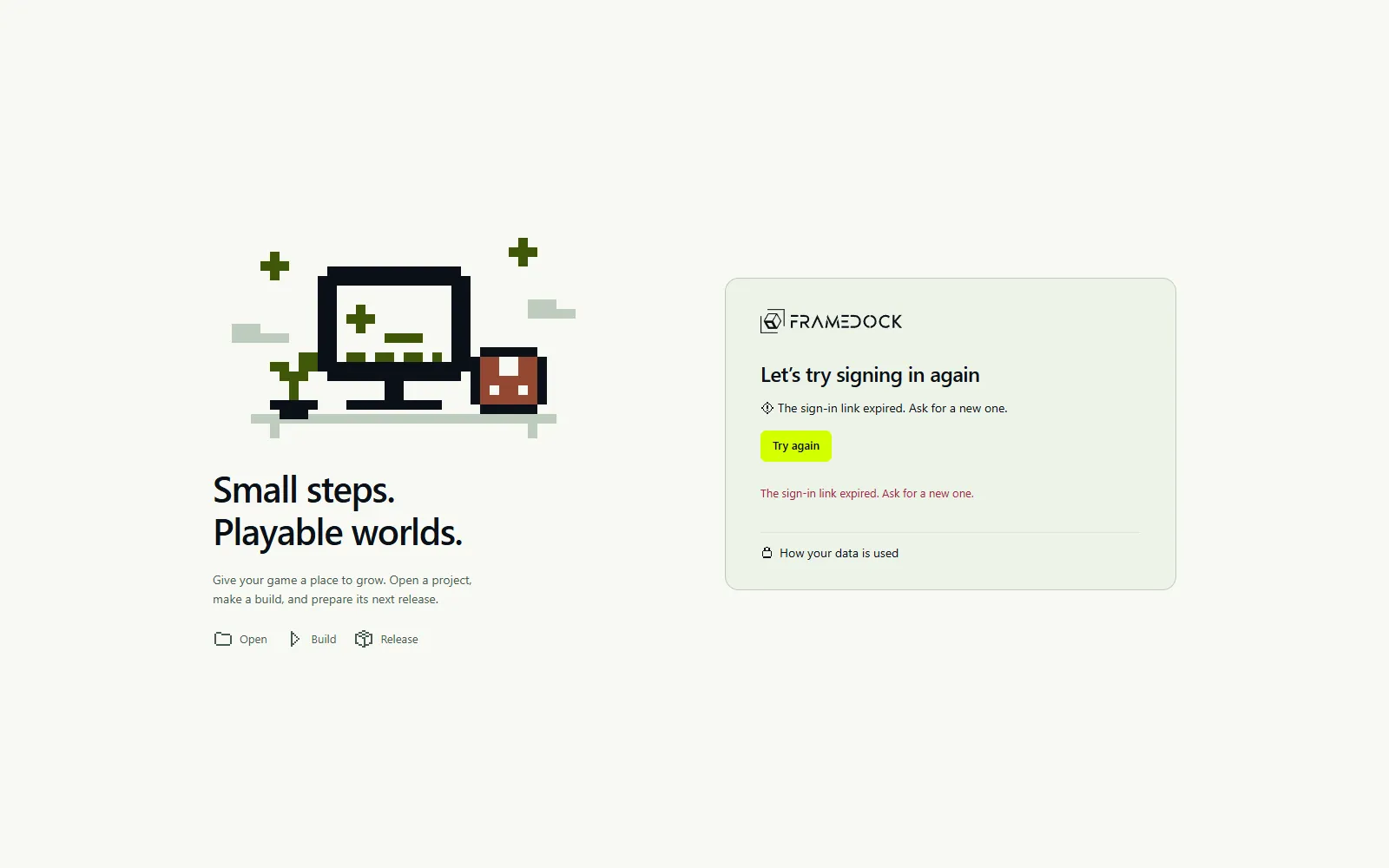
Expected result: The approved request opens your local workspace; an expired request offers Try again.
Local-first by default
Project names, paths, repository credentials, source files, assets, build logs, store credentials and game build output are not part of your account. Explicit uploads to your chosen store remain a separate local operation.
Devices and people
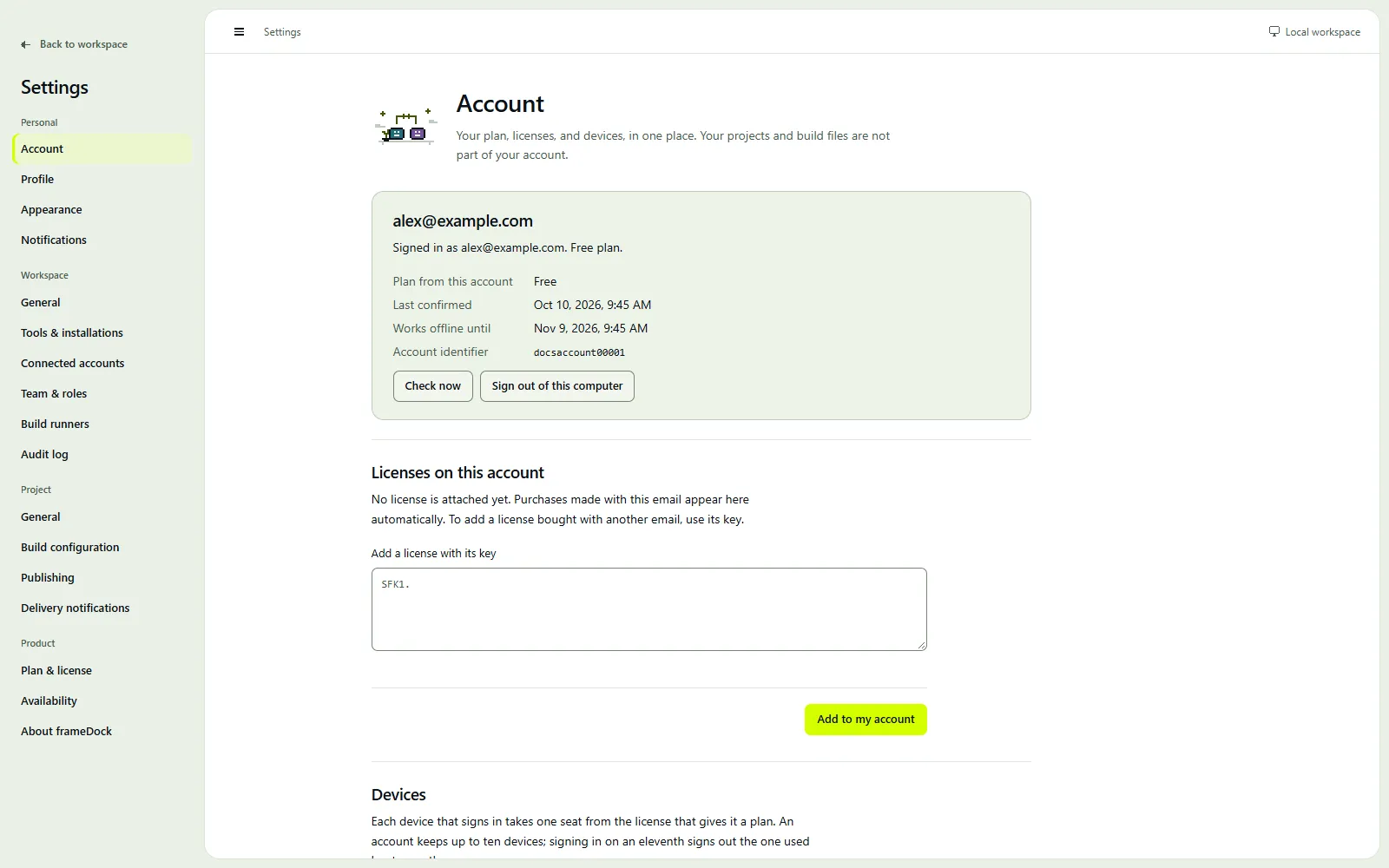
An individual account or active Teams member can use two computers. Teams seats count people, including the owner. Removing a member frees a person seat; signing out a computer does not change the purchased quantity. Legacy activation licenses retain their original terms.
Offline access
Subscription entitlements have signed offline leases of up to 30 days. An annual purchase keeps paid access on releases covered by its maintenance cutoff.
Privacy controls
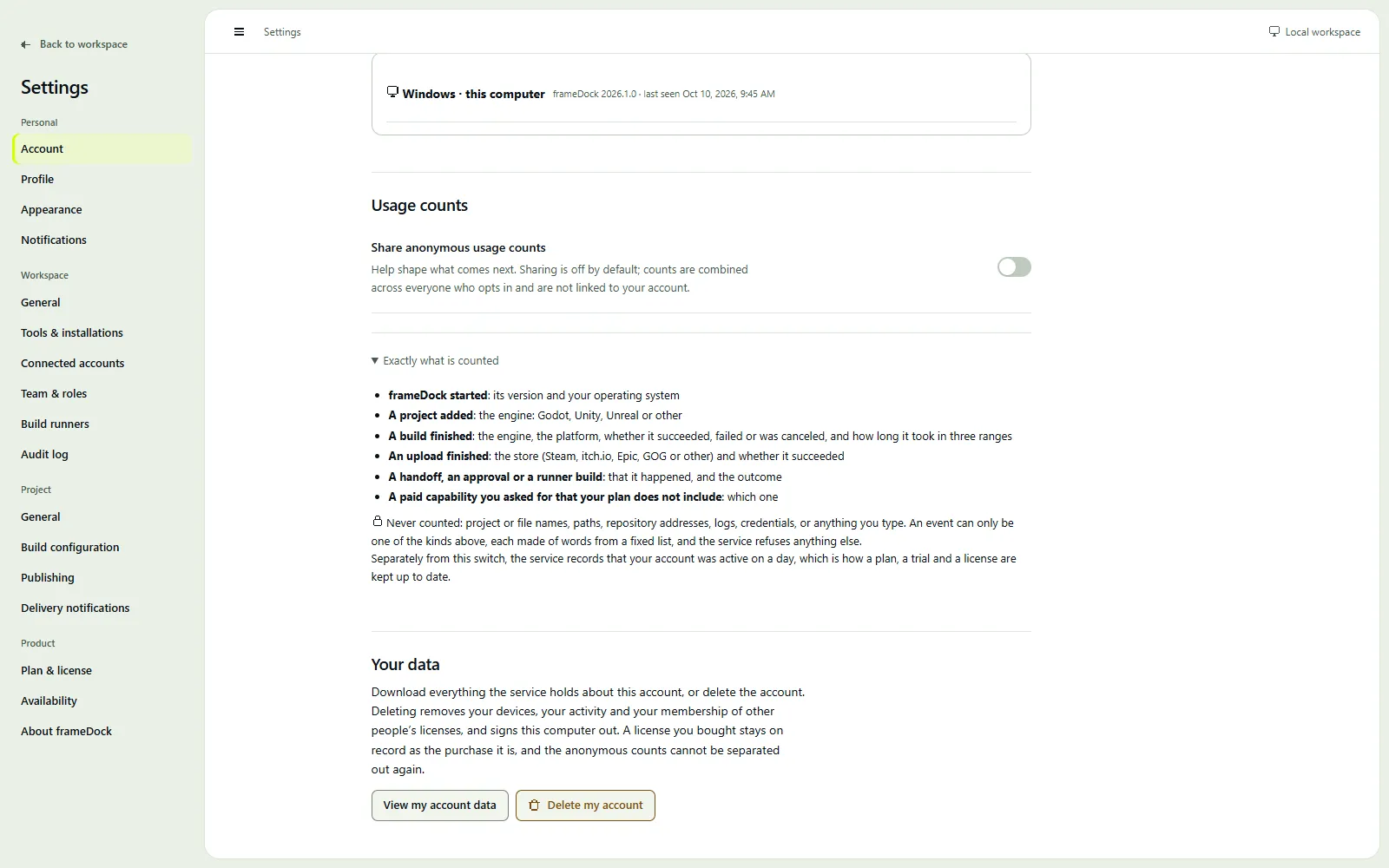
Optional usage counts are off by default and contain only events from a fixed list. You can export account data and request deletion. Account deletion must resolve active billing and organization ownership first. Necessary purchase and trial records follow the published policy.