Manage builds and recover a failed run
Follow the local queue, keep the raw log and retry after fixing the cause.
Start and follow the queue
The durable queue runs one local build at a time. Each run uses an isolated workspace and retains its status.
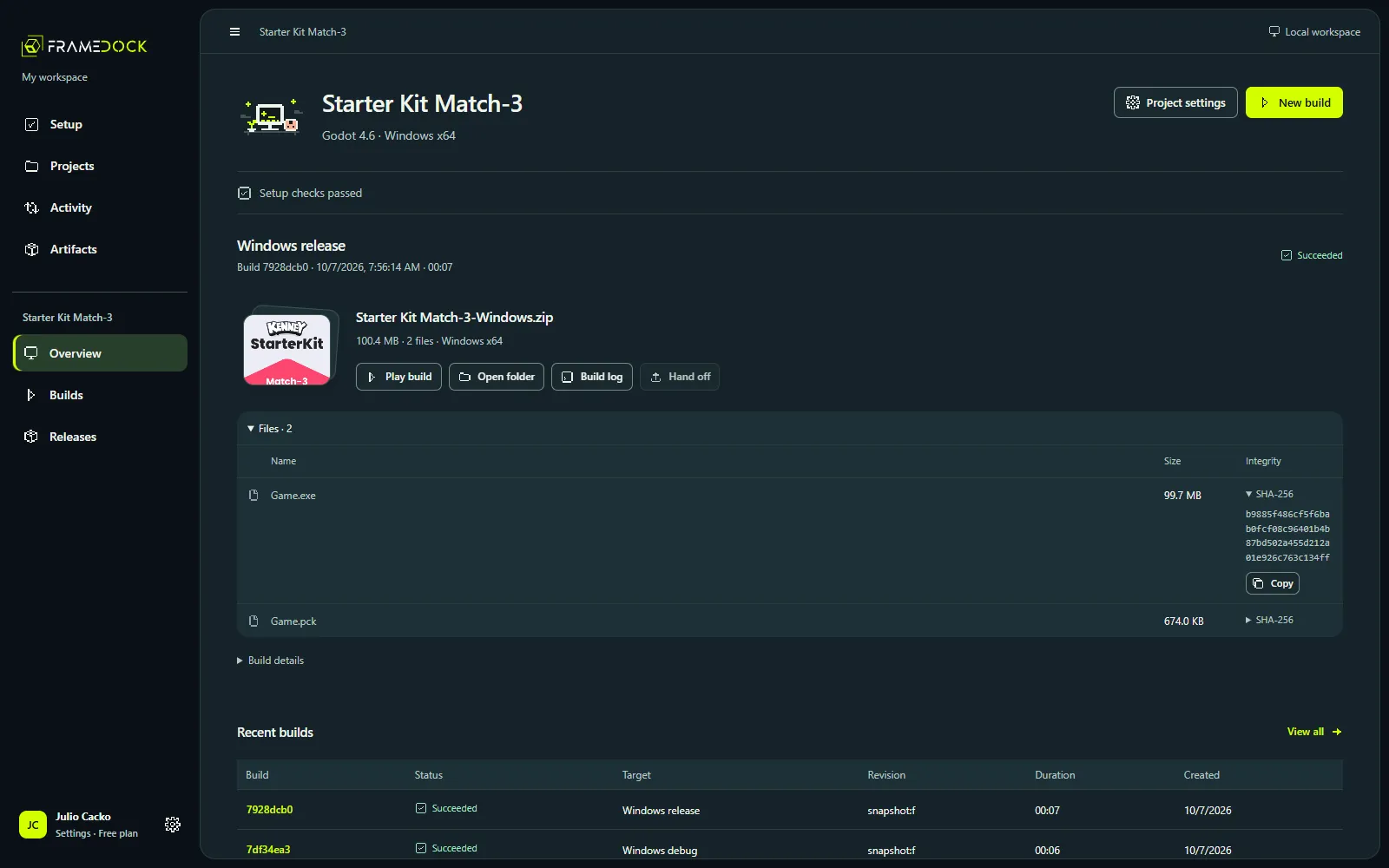
- Choose New build from the project overview.
- Review the supported target and build configuration.
- Start the run, then open Builds to follow its progress and raw log.
Expected result: You can identify the run, its target and its current state.
Cancel, recover and retry
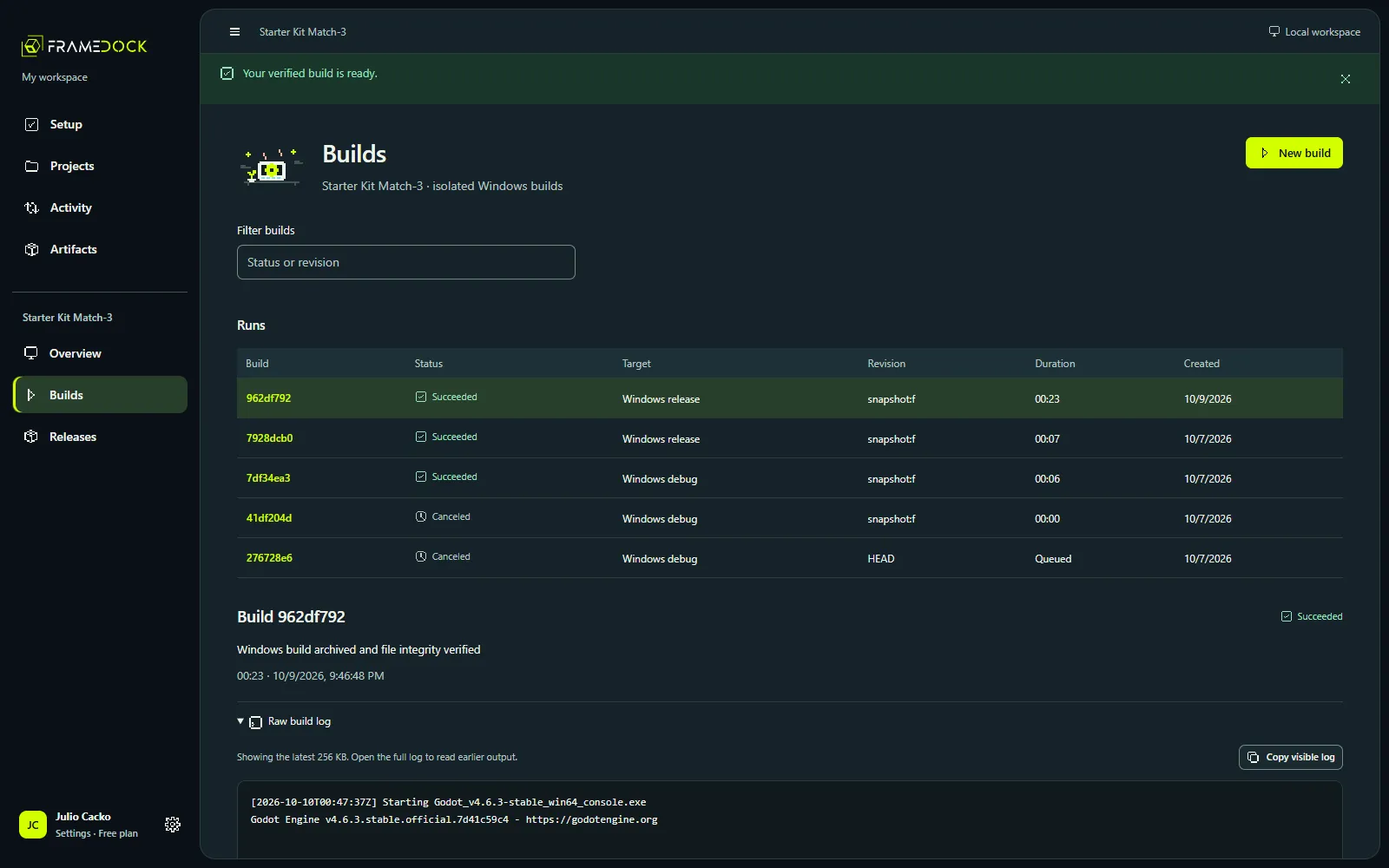
Cancel when a run is no longer needed. Interrupted work can recover after restart; a canceled run is not a successful artifact.
- Open the run and read its retained status.
- Find the first actionable error in the original engine log.
- Correct the project or missing environment requirement, recheck setup, and retry.
Expected result: The next run addresses a known cause instead of repeating the same failure.
Keep the artifact and its log
Retain the ZIP, SHA-256 file manifest, build configuration and raw log together. Check extracted files and play the game before handing it off.