Unreal Engine packaging
Package your Unreal project without memorizing AutomationTool flags. frameDock checks the toolchain, runs the package and keeps the log.
9 MB download · Windows and Linux · Free for commercial games
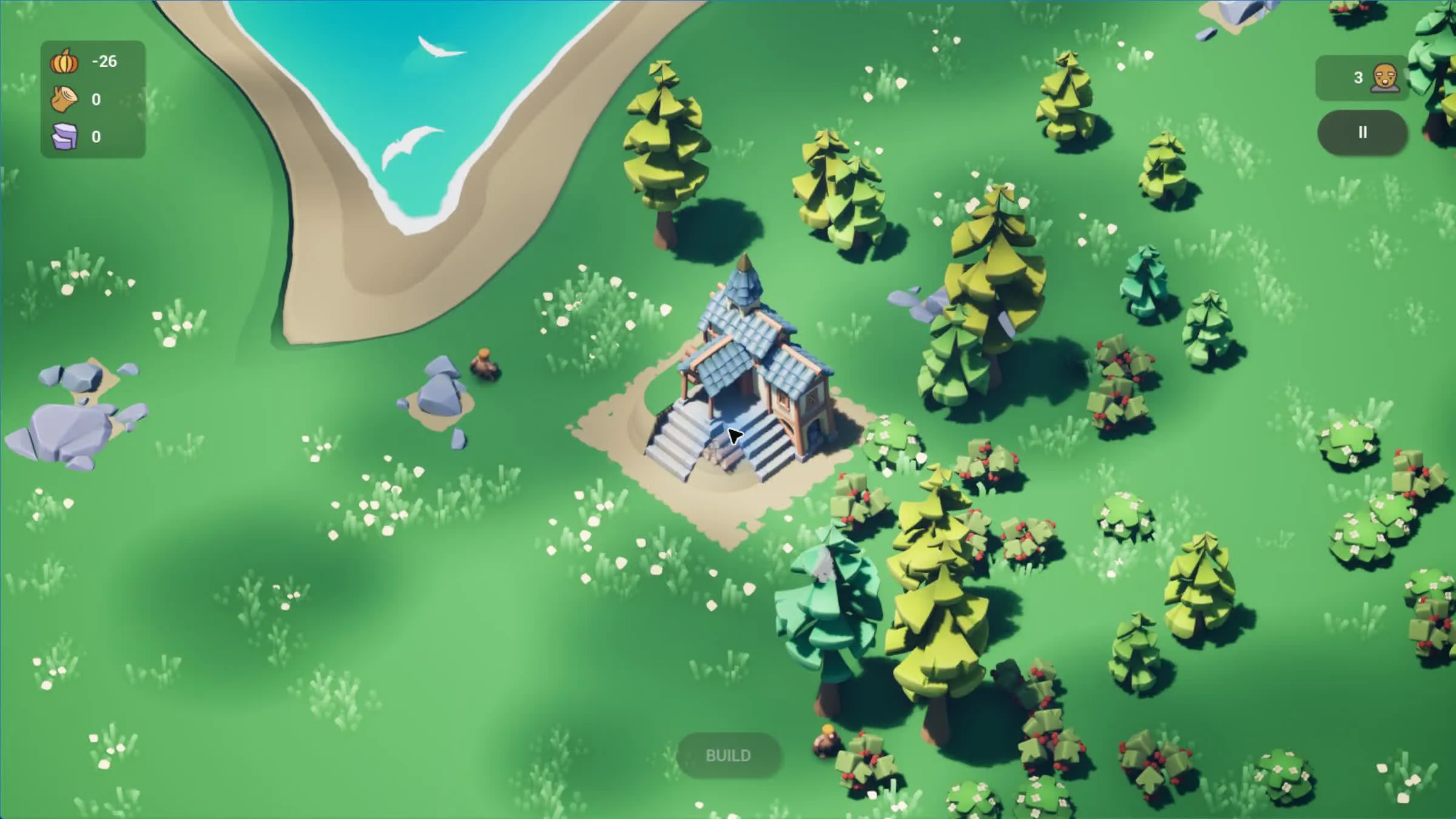
Cropout, an Unreal Engine Shipping build made with frameDock. The game belongs to its authors.
Unreal Engine build in three steps
Open the project
frameDock reads the .uproject, finds the matching engine install and lets you pick a custom engine.
Check the toolchain
AutomationTool, the Visual Studio C++ tools and Windows SDK, or the Linux compiler and SDK.
Package
Development or Shipping, packaged from an isolated copy into a ZIP with a SHA-256 manifest.
What your project needs
- The matching Unreal editor and AutomationTool
- On Windows: an engine-compatible Visual Studio C++ toolchain and Windows SDK
- On Linux: RunUAT.sh and the engine-compatible Linux compiler/SDK; Unreal cross-compilation is unavailable
- Linux launcher validation currently supports Unreal 5.7 and 5.8 bootstrap formats; other or custom formats fail preflight
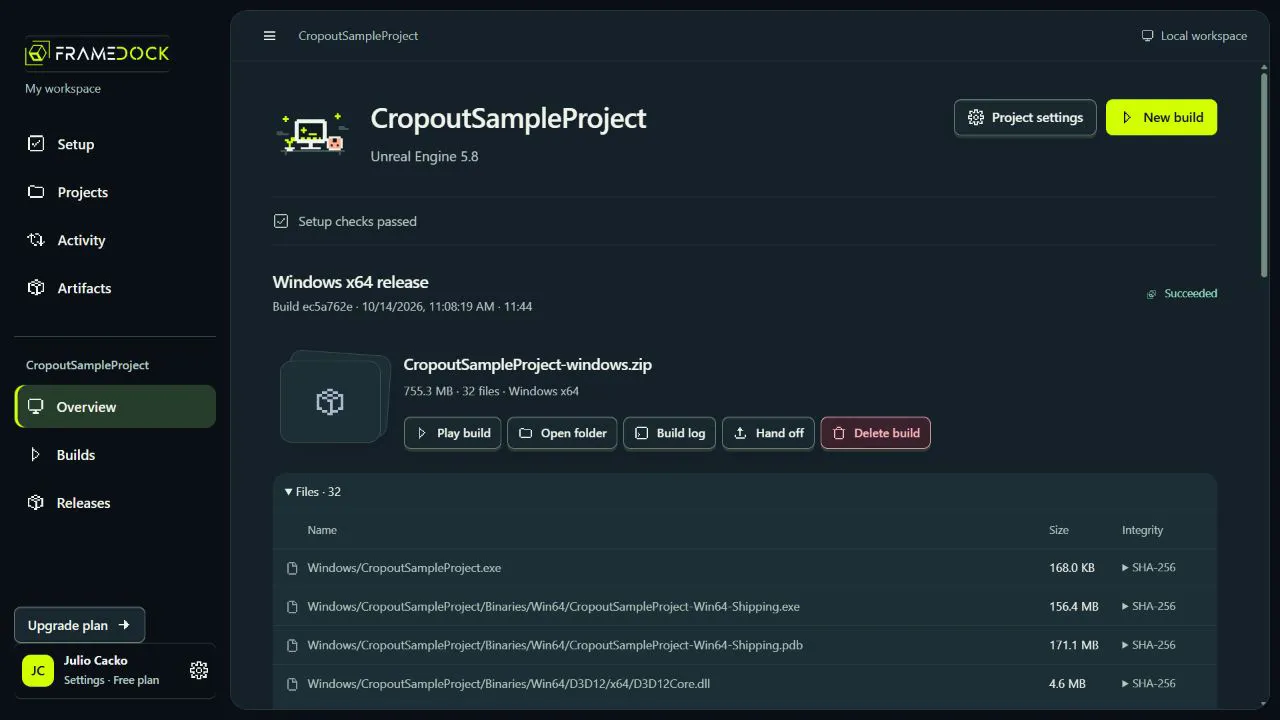
A 9 MB download. Your cores go to the engine.
21 MB app~270 MB memory in use~1% of one CPU core idle
Measured on build 2026.1.2, Windows 11, 12-core PC.
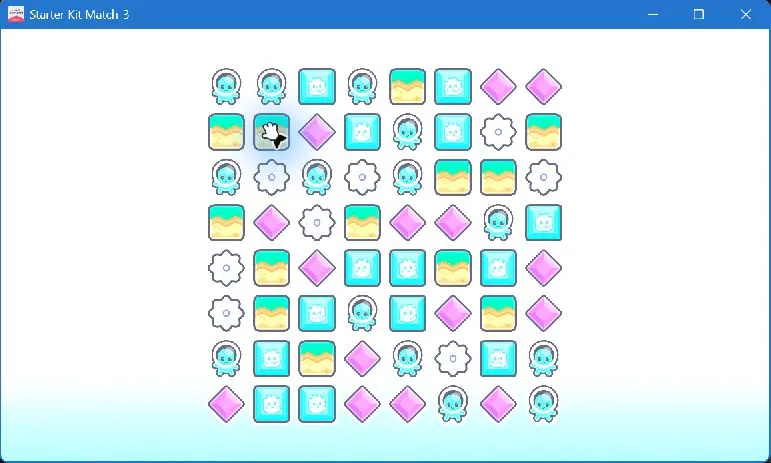
Starter Kit Match-3 (Godot), built with frameDock. The game belongs to its authors.
Unreal Engine questions
Does it use AutomationTool?
Yes. frameDock runs the engine's own AutomationTool (RunUAT) with the target and configuration you choose.
Can I use a source-built engine?
Yes. Choose your custom engine installation during setup.
Is it free for commercial games?
Yes. The Free plan has no revenue limit. Paid plans add sharing, build computers and team controls.
Does frameDock change my project?
No. Each build runs from an isolated copy, so your project folder stays exactly as it was.