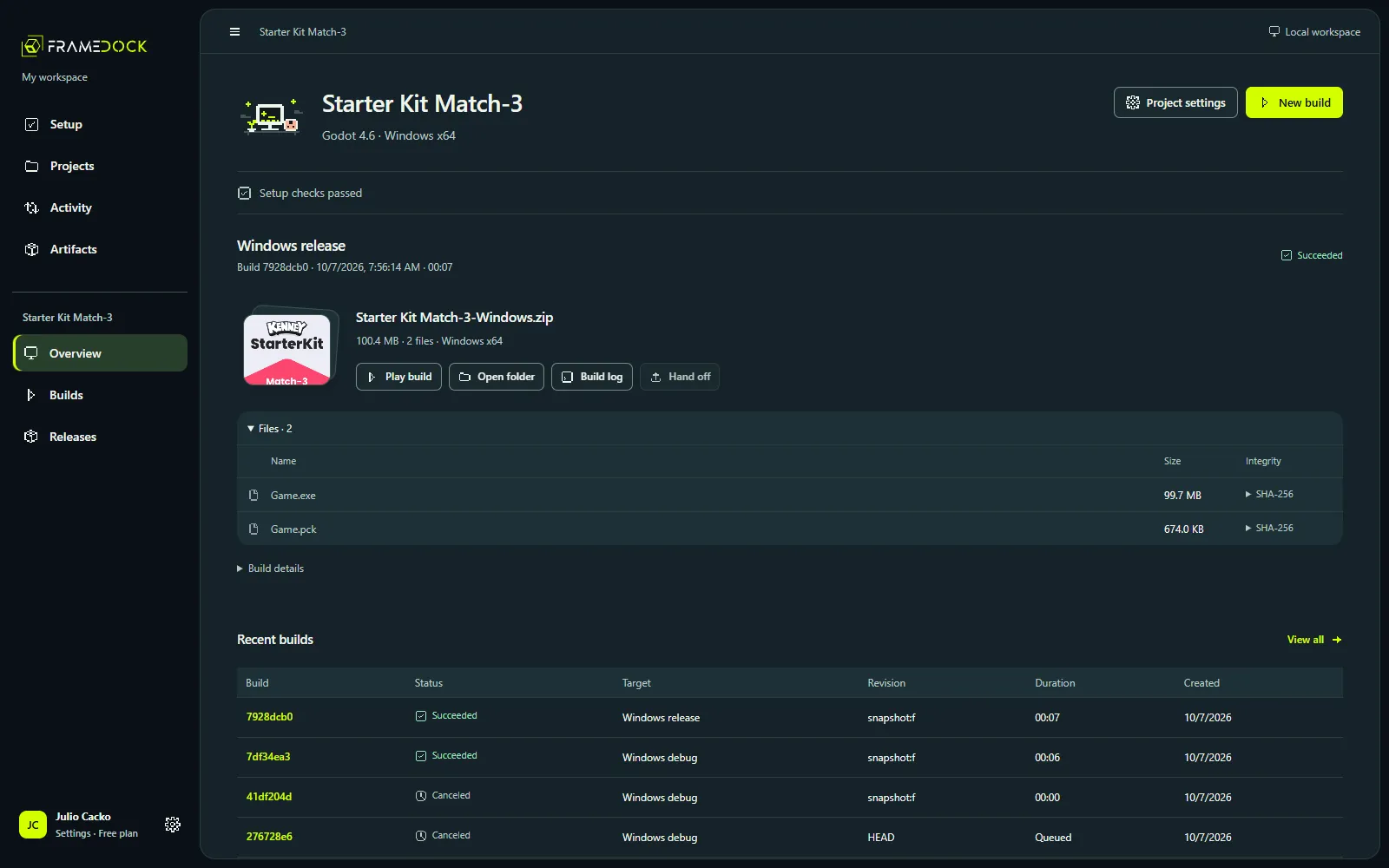
Completed, inspected, prepared, live: four states of a build
A green build is not a shipped game. Why frameDock records a completed build, an inspected artifact, a prepared destination and a live release separately.
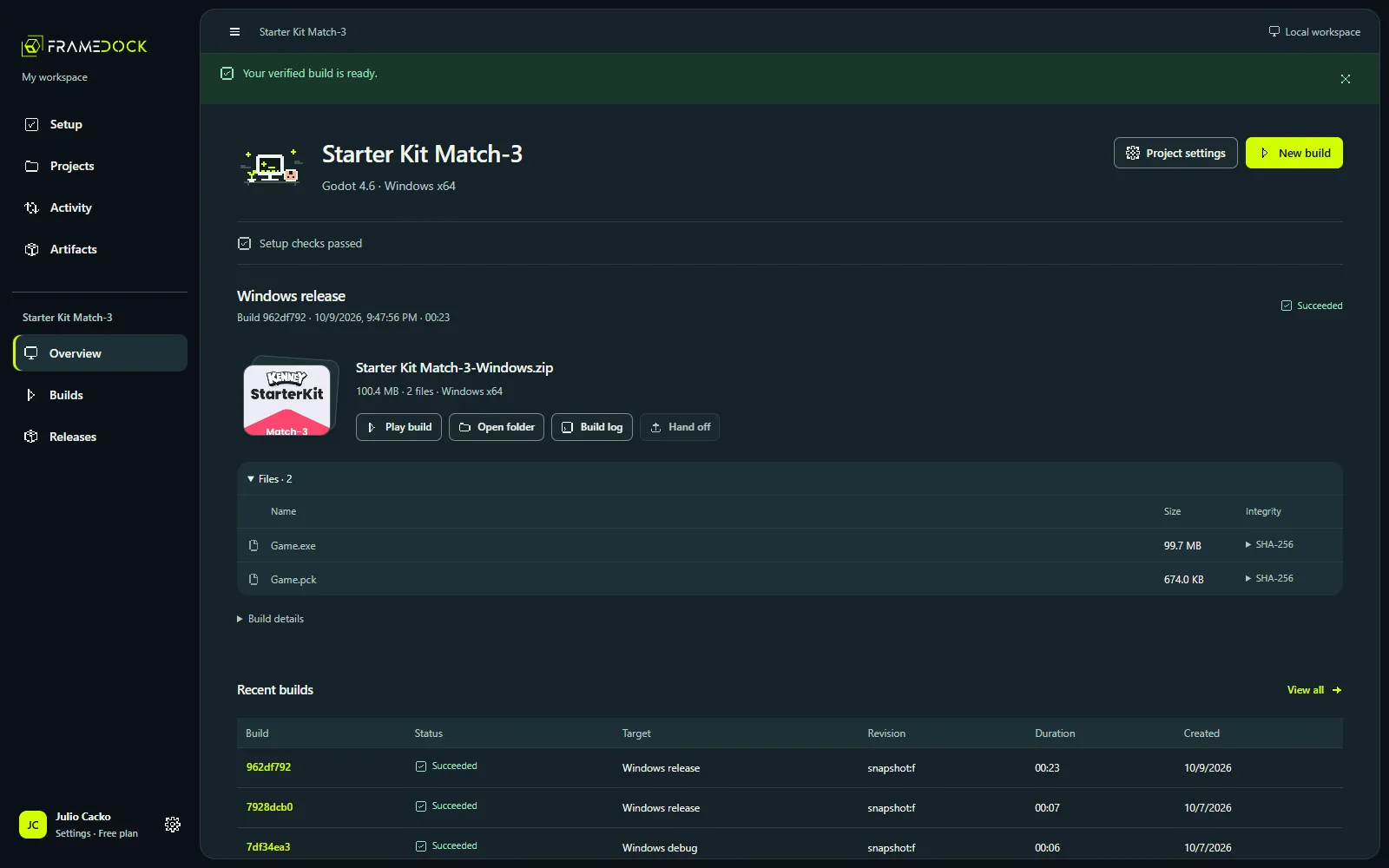
Release tooling tends to collapse everything into one word: done. frameDock keeps four states apart, because each one tells you something different.
1. Completed build
The engine command finished and frameDock collected the output. Record: the exit status and the raw engine log.
It says nothing yet about whether the files are complete or the game runs.
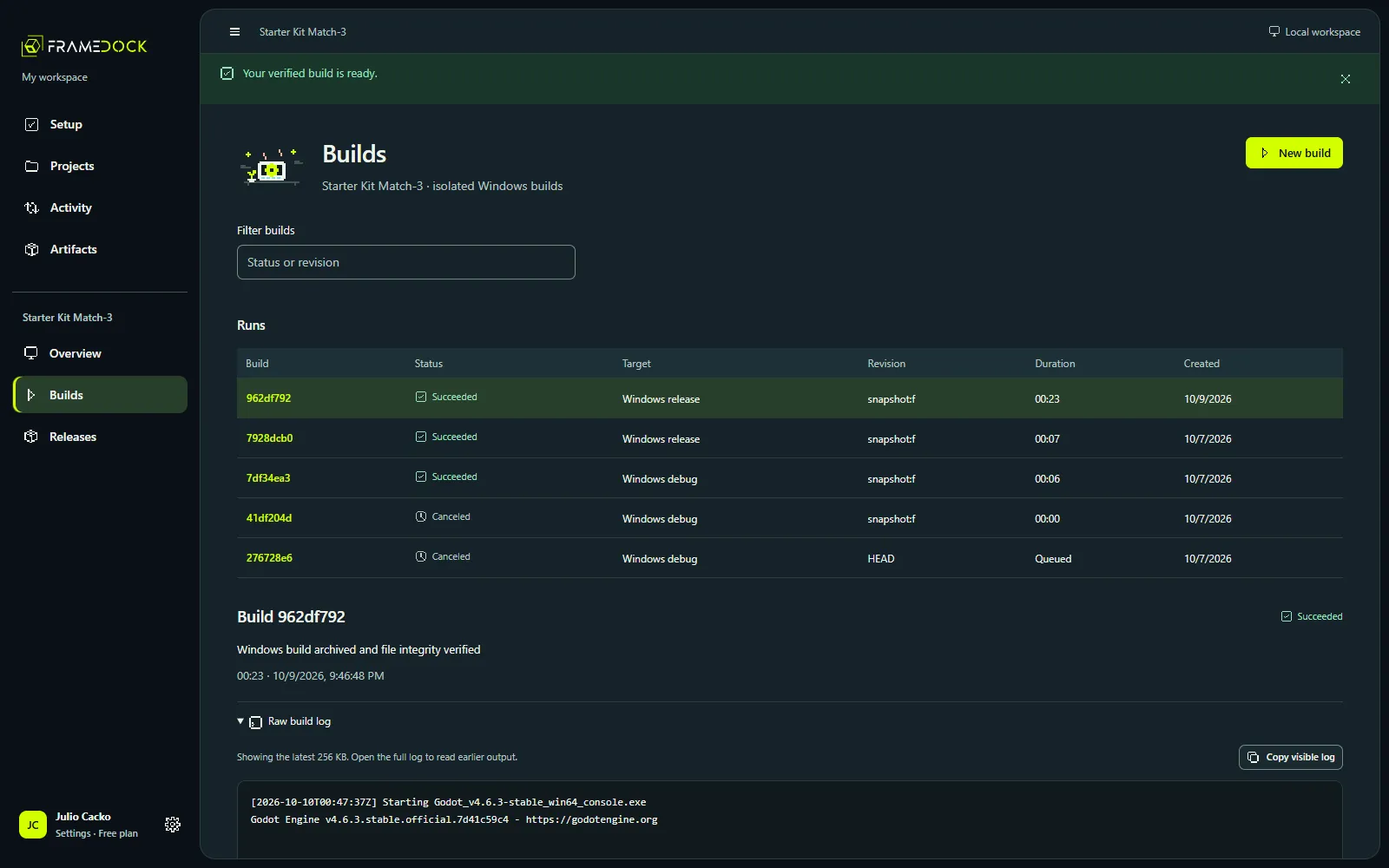
2. Inspected artifact
The output is archived with a SHA-256 file manifest and the files match it. Record: the manifest and checksums.
Now you know exactly which files you are about to share. Play them before going further.
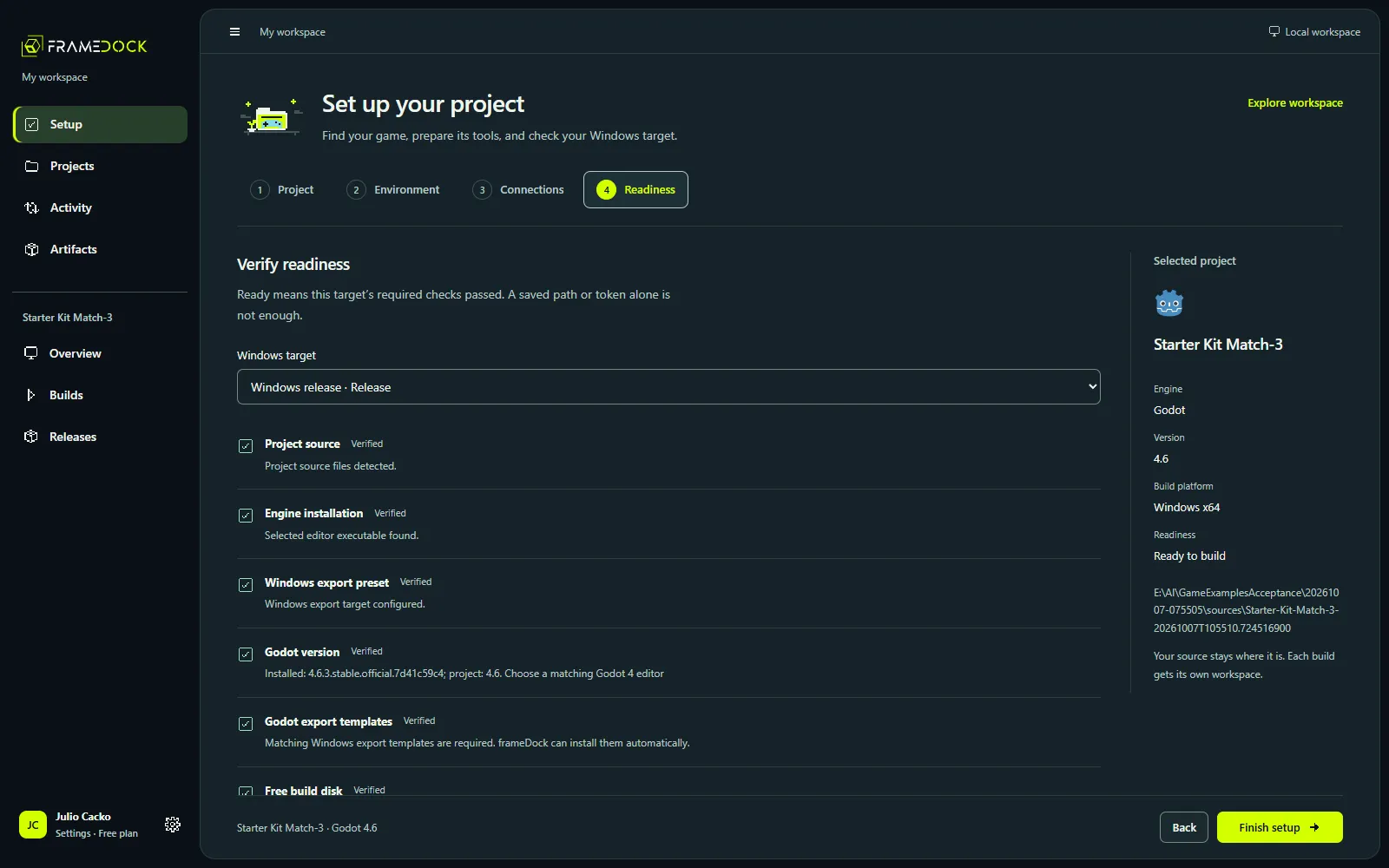
3. Prepared destination
A Steam private branch or an itch.io destination is configured for that artifact. Record: the destination settings.
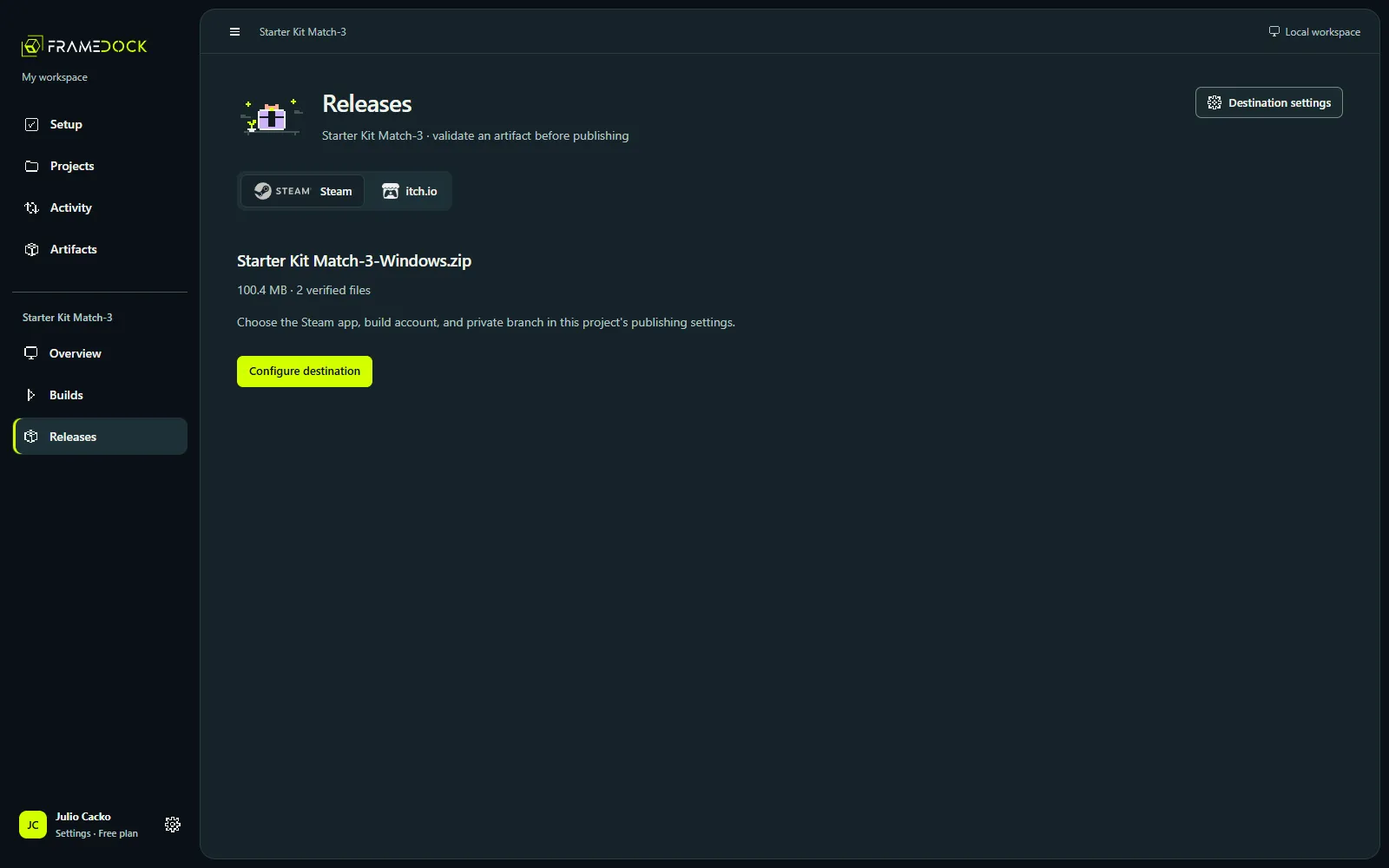
Your publisher credentials and permissions are checked separately.
4. Confirmed live release
The store reports the build as uploaded and available on the intended branch.
This is the state players see. Check the branch or channel on the store after the upload finishes.
Why it matters
If an upload fails, you still have a verified artifact. If a tester reports a crash, you can tell whether they ran the inspected files. And nobody on the team mistakes “the build passed” for “players have it”.