Read a failed build from the first actionable error
Engine logs bury the cause under the consequences. How to use frameDock's raw log and setup checks to find what actually failed, fix it and retry safely.
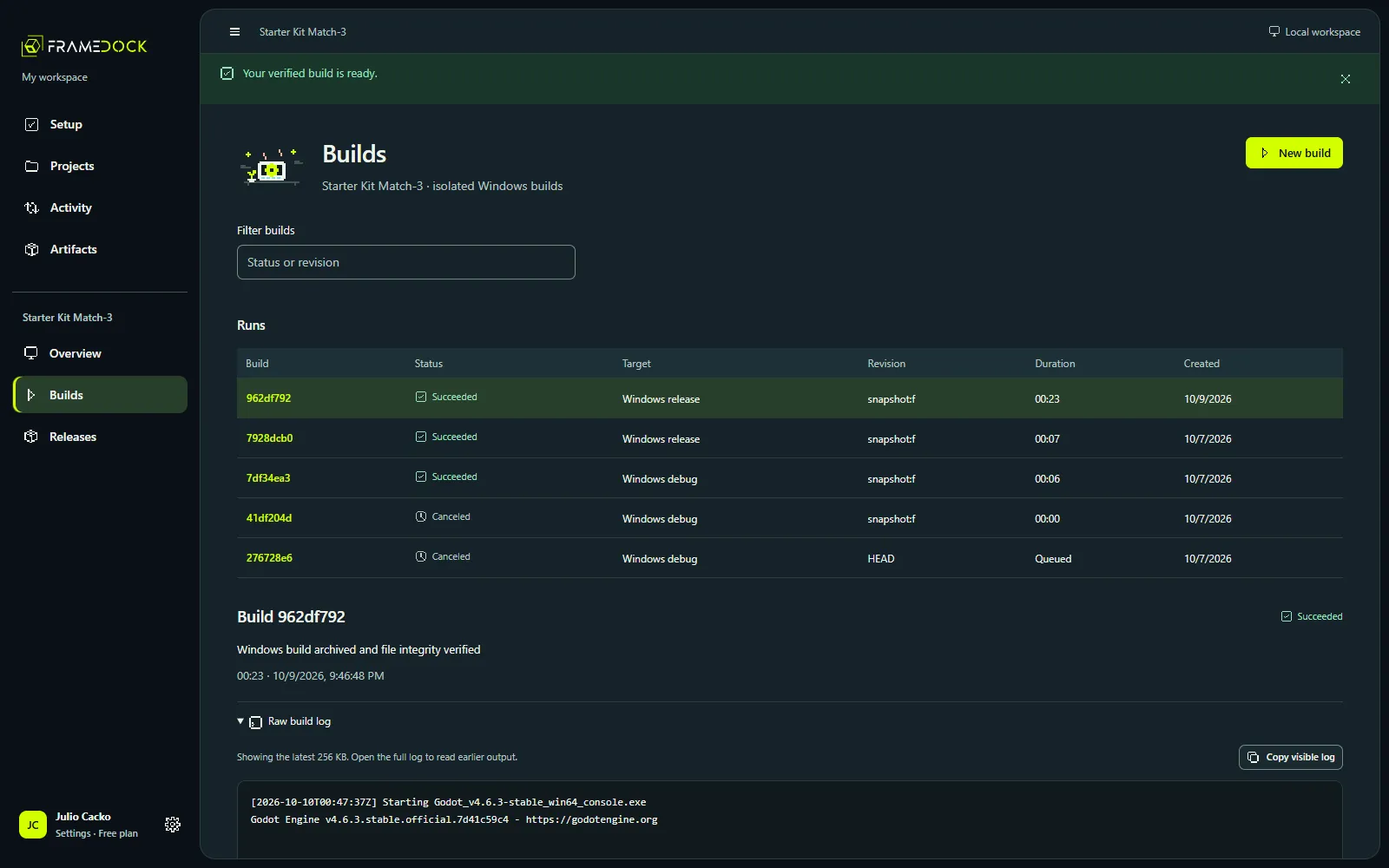
A failed build usually prints dozens of errors. Most are consequences: a missing module makes a script fail to compile, which makes a scene fail to load, which makes packaging stop. Fixing the last error first wastes time.
Start from the top
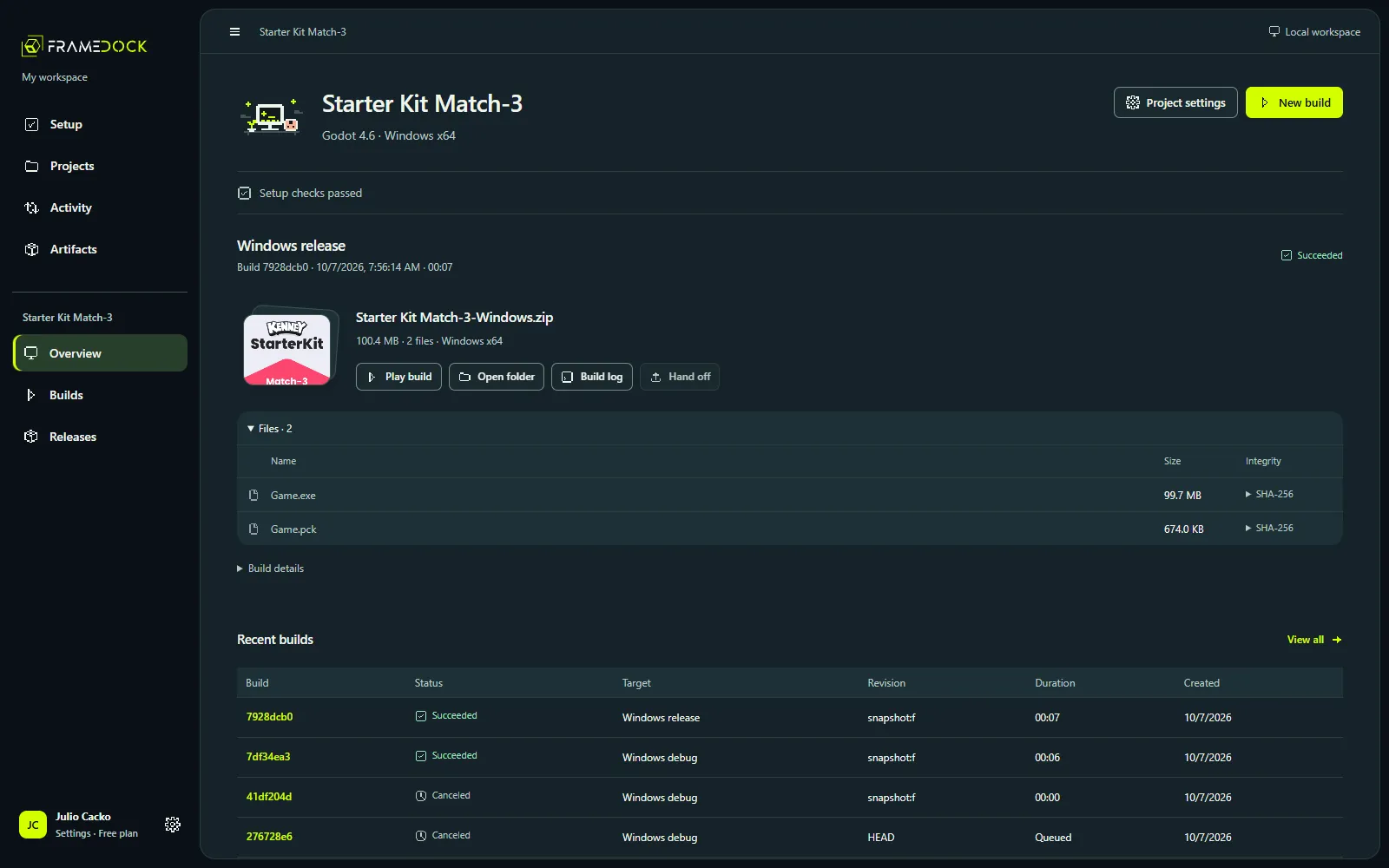
Open the run in Builds and choose the original engine log. frameDock keeps it unedited beside its readable diagnostics. Scroll to the first error that names something you can act on: a file, a module, a version, a permission.
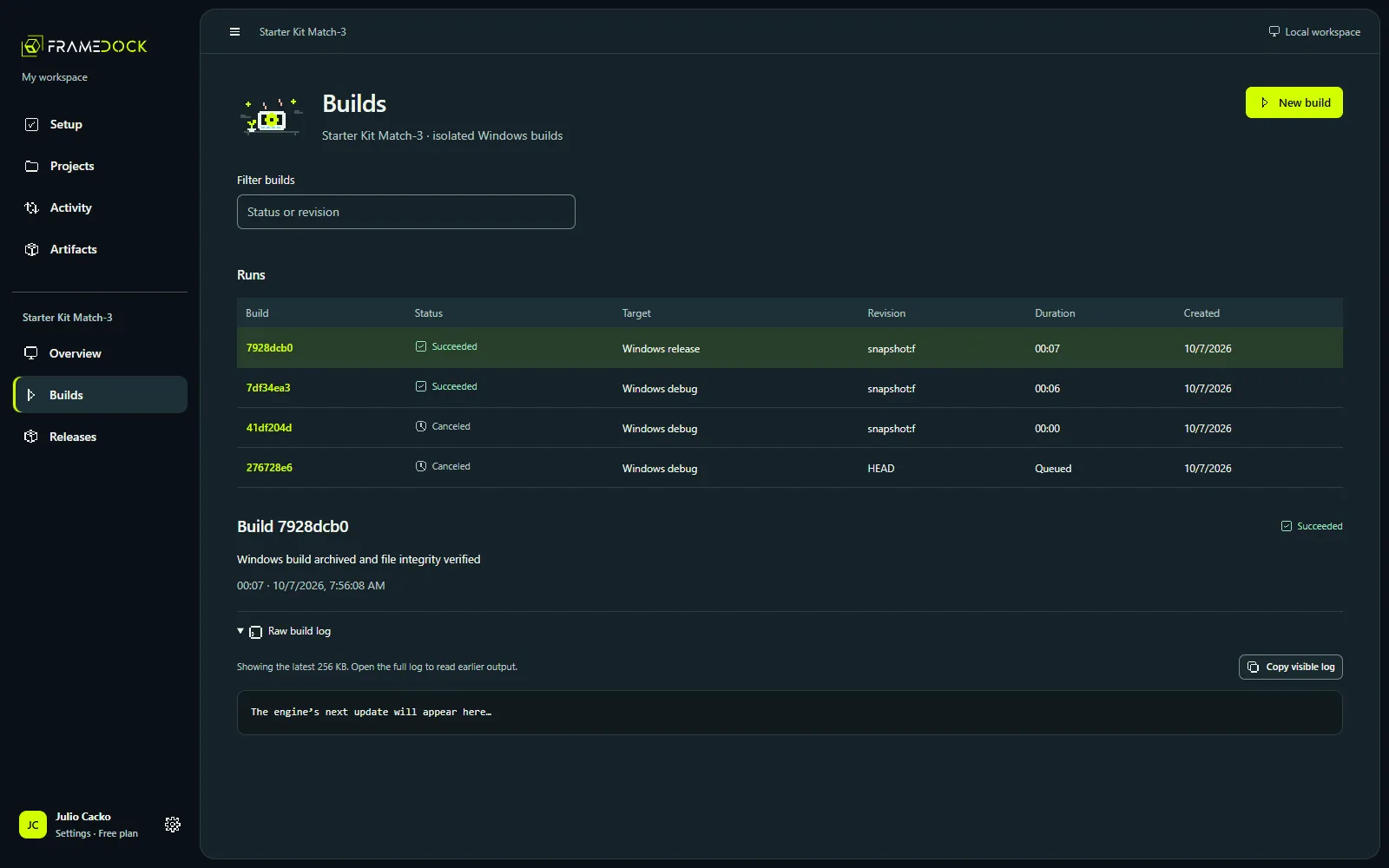
Common first errors
The editor does not match the project. Check the version the project names. Pick a compatible installation; do not upgrade the project to fit a different editor.
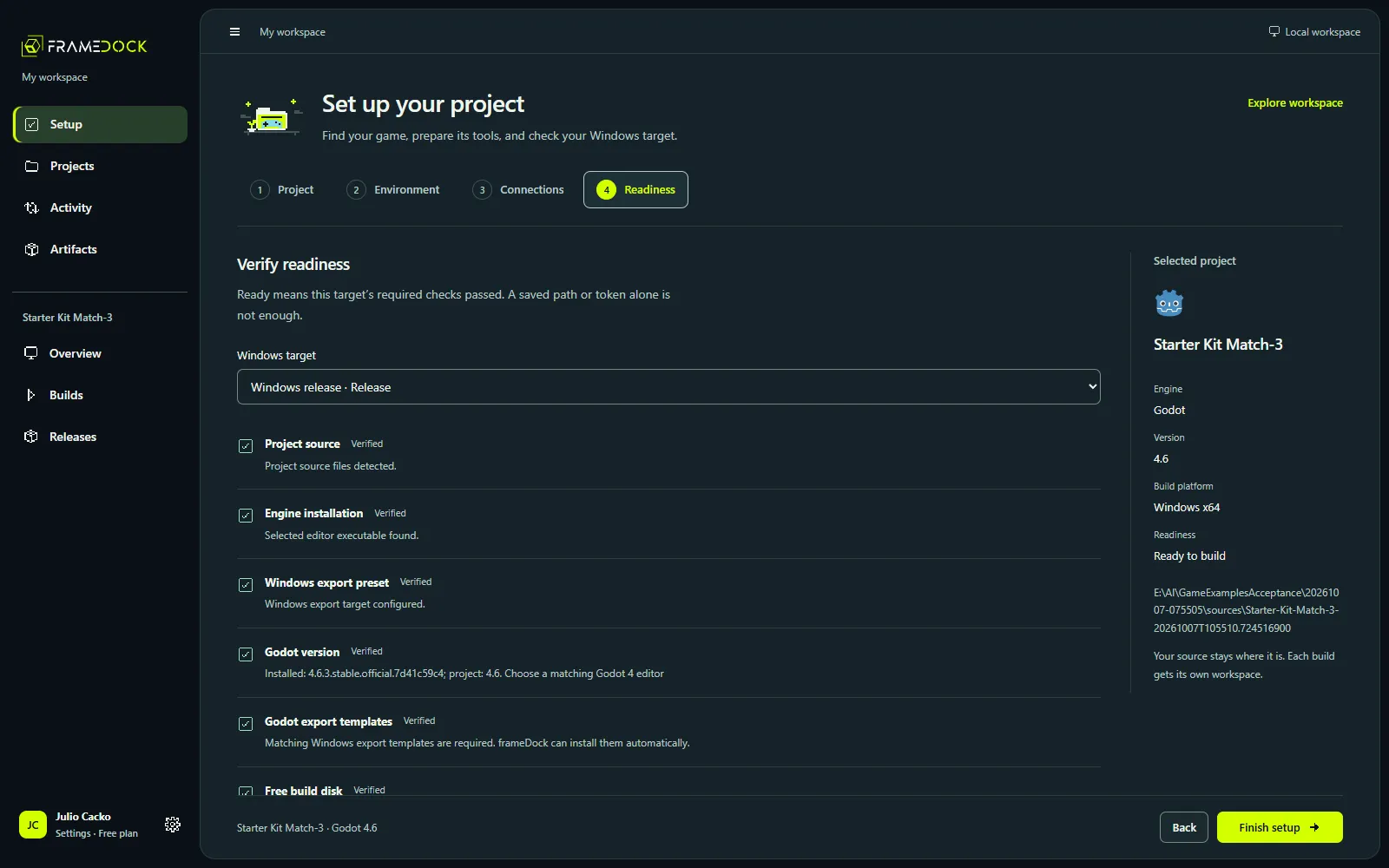
Templates, modules or native tools are missing. Godot needs matching export templates. Unity needs the target’s build support and a valid license. Unreal needs the matching Visual Studio C++ tools and Windows SDK, or the engine-compatible compiler and SDK on Linux. Fix the named requirement, then use Recheck in Setup.
The project is not detected. Select the folder containing the engine’s project file, not a parent workspace or a built executable.
Retry safely
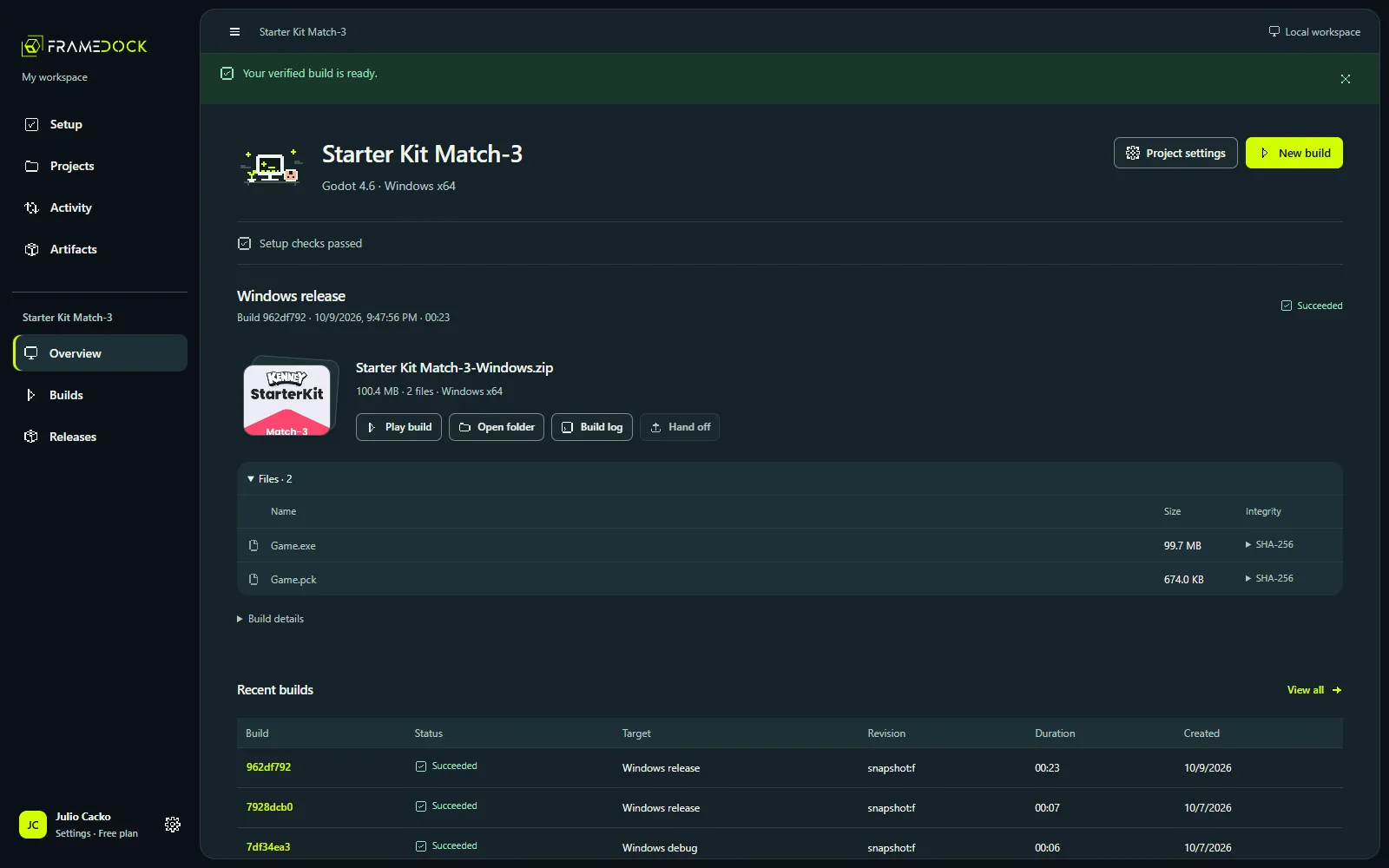
Confirm the target and configuration, then start a new build. The earlier run stays in history with its log, so you can compare the two.
A canceled run is not a successful artifact, even if some output exists. And an interrupted run recovers as interrupted when frameDock restarts; recheck the environment before retrying.
The full list of setup and build blockers is in Troubleshooting.